
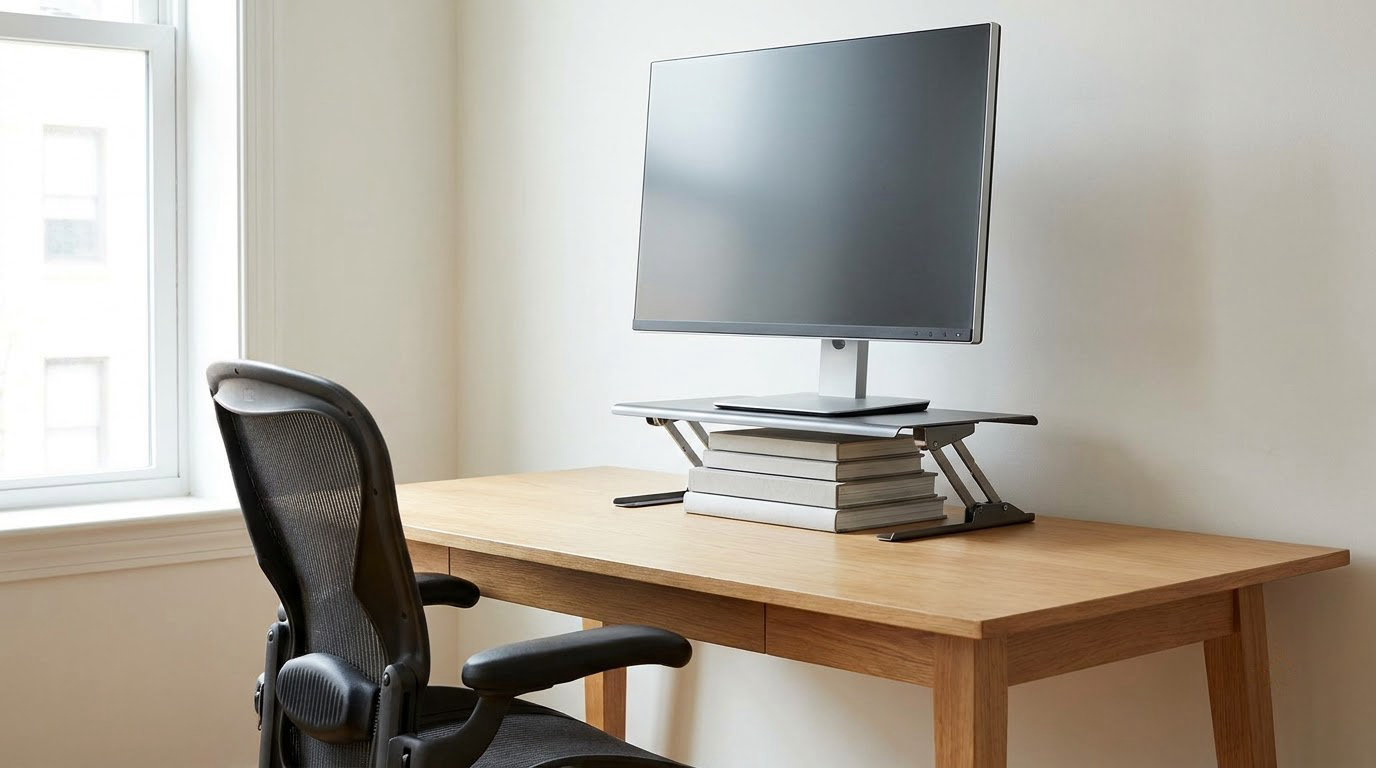
Most people searching monitor height and neck pain how to fix it need three things: a measurement they can trust, one change to the workstation at a time, and a way to tell whether the change worked. The order matters more than the equipment. Set a baseline first, adjust one variable, then watch what happens over the next two weeks. This is general workplace guidance, not a diagnosis, and nothing here replaces an assessment by a qualified health professional.
Table of Contents
- What You Need
- Monitor Height and Neck Pain: How to Fix It Step by Step
- Monitor Height and Neck Pain How to Fix It: Start With a Baseline
- Step 2: Review What Your Pain Pattern May Be Telling You
- Step 3: Set Up Your Monitor and Workstation
- Step 4: Reduce Neck Strain While Working
- Step 5: Build Regular Movement Into the Workday
- Step 6: Strengthen Gradually Outside Acute Pain
- Step 7: Improve Sleep, Stress Management, and Recovery
- Step 8: Recheck and Know When To Seek Help
- Common Mistakes
- Frequently Asked Questions
- Conclusion: What to Do First
What You Need
You need very little, and almost none of it costs anything. A notebook or a note on your phone for the symptom diary, a ruler or tape measure for the setup measurements, and a second person for ten minutes if you want a second opinion on your measurements.
A cheap laptop stand or an existing desk shelf covers most needs. A monitor arm only becomes worth considering once you know your current setup is the problem, and once you know how often your position drifts.
Before buying anything, spend one sitting measuring what you already have. People often spend on a riser and then discover the real issue is that the screen is 30 centimetres too far away, or off to the left, or that the chair is a hand’s width too low. Measure first, buy second if you still need to.
Monitor Height and Neck Pain: How to Fix It Step by Step
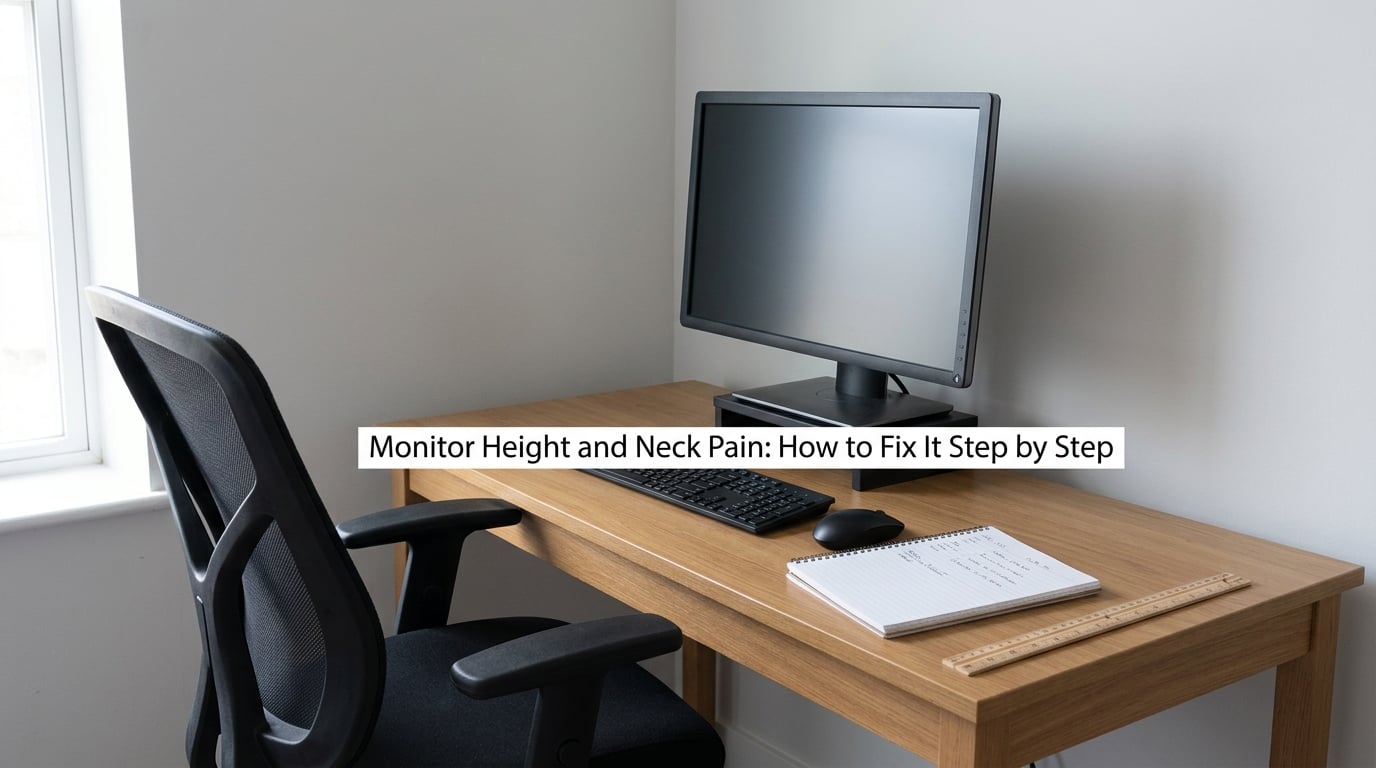
Monitor Height and Neck Pain How to Fix It: Start With a Baseline
You cannot tell whether an adjustment helped unless you recorded what things felt like first. For two weeks, note five things at the end of each working day: where the discomfort sits, how strong it is out of ten, how long it lasted, what you were doing beforehand, and what else was unusual that day.
Add the physical measurements once, while you are still at the desk. Sit the way you normally sit, let your head settle, and have someone measure from the top edge of the screen to the level of your eyes. Then measure the distance from the middle of your eyes to the centre of the screen, and note how far the screen sits left or right of your nose.
Write down the numbers even if they seem obviously wrong. The point is a comparison point, not a good or bad score. A baseline of zero is not the target; a baseline you can re-measure in three weeks is.
Step 2: Review What Your Pain Pattern May Be Telling You
After a fortnight, read the diary across rather than line by line. Look for the days that were clearly worse, and ask what was happening on them. Was it a long stretch of reading-heavy work? A bad night’s sleep? A deadline? A meeting that put you off-axis for two hours?
The goal here is a short list of observations, not a diagnosis. People consistently find one of three patterns: discomfort that tracks with screen time, discomfort that tracks with stress or poor sleep, or discomfort that shows up only on particular days of the week regardless of posture.
Those three patterns point at different next steps. Screen-time tracking points at the workstation. Stress and sleep tracking point at Step 7. A day-of-week pattern often points at something you do on that day rather than how you sit.
Step 3: Set Up Your Monitor and Workstation
Sit with your head neutral, look straight ahead, and mark where your eyes are aiming. The top edge of the screen should land at that level or a little below it, so your gaze falls slightly downward. If you have to tip your head up to read the top line, the screen is too high.
Set the distance next. Your eyes to the middle of the screen should be roughly an arm’s length, about 60 to 70 centimetres, which is a fully extended forearm. If you find yourself leaning forward to read, the fix is to scale up the text, not to move closer.
Centre the screen on your body rather than on the desk. If you use two screens, put the one you use most directly ahead and the second immediately beside it, so you turn your eyes rather than your head for most of the day. Items you reach for often belong within forearm range, so you are not twisting every time you check a message.
How do you know it worked? Work a full afternoon at the new settings, then compare that evening’s entry to a typical entry in your baseline. Eye tiredness and the urge to lean forward should change fastest.
Step 4: Reduce Neck Strain While Working
Height is only half of it. The other half is how you hold yourself once the screen is in roughly the right place: shoulders down and back, elbows near your sides at about a right angle, a supported lower back, and feet flat on the floor or on a footrest.
That last chain matters more than most people expect. A slumped lower back rounds the mid-back, and a rounded mid-back pushes the head forward, whatever the monitor is doing. No amount of screen adjustment fully compensates for it.
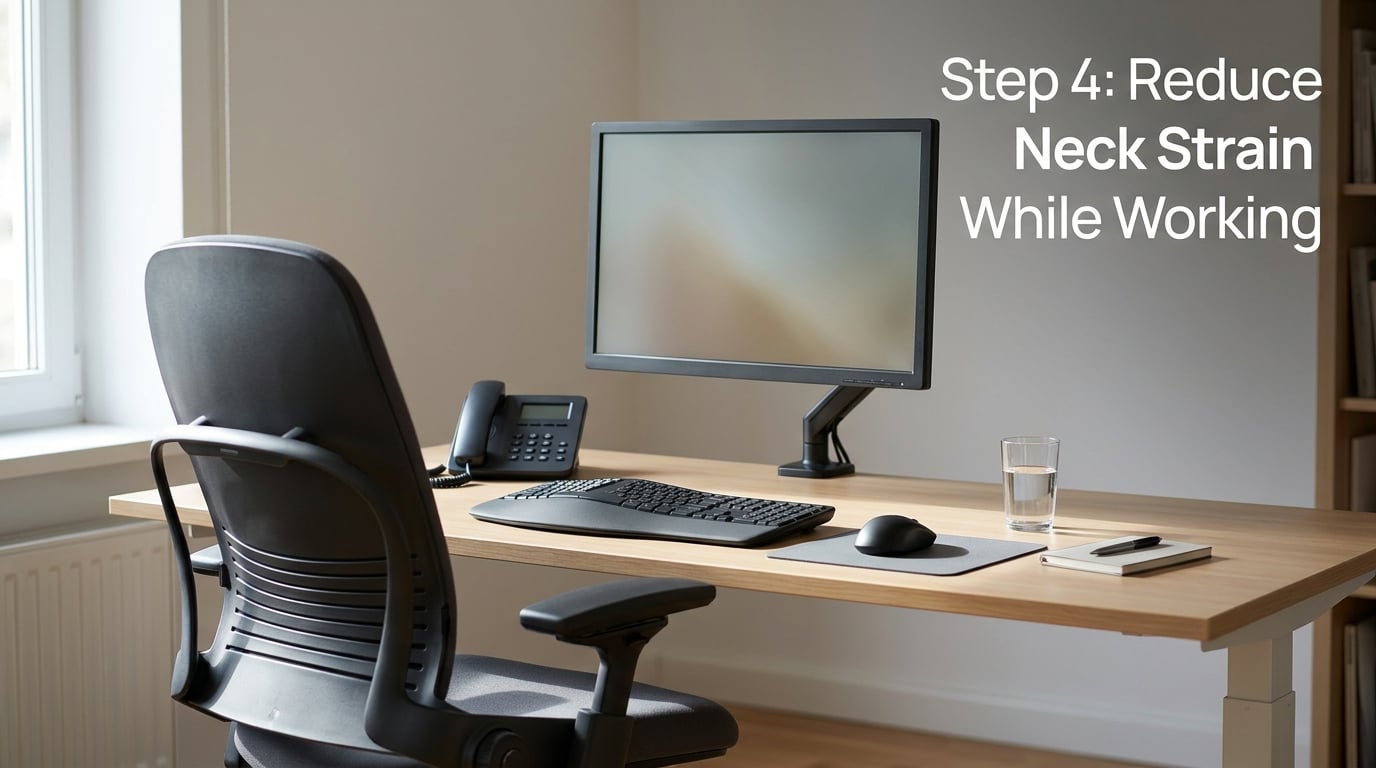
Use this short checklist to test a change without overthinking it:
- Is your lower back supported by the chair back or a cushion while you work?
- Are your feet flat, or on a footrest, with knees roughly level with hips?
- Are your shoulders relaxed when your hands are on the keyboard, not shrugged up toward your ears?
- Is the keyboard and mouse close enough that you do not have to reach or twist to use them?
- Are you on the phone with one hand, ear and shoulder level, rather than pinching the handset between ear and shoulder?
- Are the ten items you use most during the day within easy reach of your chair?
Take one item at a time and give it three working days. If the evening entry is no better and no worse, that item is probably not your problem, which is useful information rather than a wasted week.
Step 5: Build Regular Movement Into the Workday
Whatever the height, a body held in one position for a long stretch will complain. Short, frequent position changes matter more than long stretches scheduled once a week.
A realistic starting point is a change of position every half hour, and it can be as small as standing to send a message. Movement between tasks counts. Gentle neck movements within a comfortable range count, as does simply looking away from the screen and focusing on something further away for a few seconds.
Keep two rules. The movement should never hurt, and it should never be forced past a stretch that feels like a strain. Anyone who can do those things comfortably can usually do more of them, but more is not the aim.
Track it in the diary rather than in your head. A week with a habit attached to an existing cue, like a calendar prompt after your first meeting, tends to stick better than good intentions on a Monday.
Step 6: Strengthen Gradually Outside Acute Pain
Once the acute aching has settled, gentle strength work around the upper back, shoulders, and the muscles that support the head is worth adding, because those are the muscles holding you up in the first place.
Keep the general shape of it: gradual, comfortable, and consistent, rather than sudden and hard. If you can train, do not stretch into pain, and leave a day between harder sessions. Pain during or after an exercise is a signal to stop and get advice.
Do not start strengthening while pain is at its worst, and do not copy a program from a video without checking it fits you. An individual assessment from a physiotherapist, doctor, or qualified occupational health professional is the reliable way to get a program matched to your situation. It is a good use of a visit if the pain keeps returning, because it turns guesswork into a plan.
Step 7: Improve Sleep, Stress Management, and Recovery
General recovery habits amplify everything else. Most people with a sore neck in the afternoon slept badly the night before, even if they would not describe it that way. Irregular sleep, a stiff pillow and a long commute will all show up in the neck.
Keep regular sleep and wake times, keep water within reach during the day, and build in something active that is not screen-based. Manage workload spikes where you can; neck pain rising during a busy fortnight and settling on quieter weeks is a pattern worth logging.
None of this treats a specific condition. It simply removes the amplifiers that make neck discomfort feel worse and stick around longer, and it is a more reliable habit than chasing a new posture every week.
Step 8: Recheck and Know When To Seek Help
Repeat the measurements at the three-week mark, not every day. Posture, chair height and desk height all drift over time, and a setup that drifted a few centimetres can put you back where you started. A five-minute check once a month is enough; a setup you are constantly adjusting is a setup that should be fixed permanently rather than re-tuned.
Compare the re-measurement with your baseline and your diary. The whole approach to monitor height and neck pain how to fix it is comparison rather than guesswork: a number and a diary entry you can look back at. If both moved, the change held. If symptoms are improving but the numbers are not, something other than screen position is doing more of the work. If nothing moved after six to eight weeks of genuine one-change-at-a-time adjustments, that is the point to stop adjusting and get assessed.
Seek prompt medical advice rather than another tweak if you notice arm or hand weakness, clumsiness or a dropping grip, persistent tingling or numbness down an arm, difficulty walking or changes in balance, a sudden severe headache, neck pain after a fall or crash, or neck pain with a fever. Neck pain that lasts beyond two weeks despite changes, keeps returning, wakes you from sleep, or is limiting work, driving or daily activity also deserves a professional look. A clinician can assess you as an individual; a checklist cannot.
Common Mistakes
- Chasing a perfect posture. Rigidly holding one position for eight hours is its own problem. Fix: aim for variety, with reference points rather than a target to maintain.
- Buying equipment first. A riser on an already well-placed screen changes nothing, and occasionally makes it worse. Fix: measure, then buy only if the measurement calls for it.
- Stretching aggressively into pain. Forcing range of motion is a common way to set symptoms back. Fix: stay inside a comfortable range and slow down.
- Judging the whole week by one bad day. One afternoon of heavy screen time says very little. Fix: compare the weekly average, not the worst entry.
- Adjusting everything at once. Change five things and you will never know which one worked. Fix: one change, three working days, then note it.
- Ignoring symptoms that keep returning. A pattern that resolves and comes back every few weeks is a reason to be assessed, not a reason for another adjustment. Fix: take the diary to a professional.
Two habits carry most of the benefit: keep the diary, because it is the only way you will know whether a change worked, and recheck the setup once a month, because height that was right last quarter is not guaranteed to be right now.
Frequently Asked Questions
What monitor height is best for reducing neck strain?
The top of the screen should sit at, or slightly below, the level of your eyes when your head is neutral, so your gaze falls slightly downward and you never tip your chin to read the top line. On a typical desk that lands about 4-8 inches above the surface with a 24-27 inch monitor, but your eye level is the reference, not the desk. Keep it an arm’s length away and centred on your nose.
How long should I track my neck pain before changing my workstation?
Two weeks of daily notes is a sensible minimum, and it should include days away from the desk so you can tell the two apart. Record when the discomfort appears, what you were doing, and how strong it is out of ten. Without that baseline, an improvement is easy to imagine and hard to trust. Warning signs do not need a two-week wait; see a clinician straight away.
Can poor posture be the only cause of my height and neck pain?
Often it is not the only factor. Screen position is one variable among sleep, stress, daily movement, and how much endurance your neck and upper back have built up. A common experience is fixing the screen, feeling better for a few weeks, then noticing the ache return, which usually points to a second factor rather than a failed fix. Only a clinician can assess your individual situation.
Should I use a cervical collar or a special neck pillow?
Generally not for ordinary desk-related discomfort. Cervical collars are used in specific clinical situations, and wearing one without guidance limits the movement your neck normally needs. A pillow is more individual: one that keeps your head roughly in line with your spine when you lie on your back or your side is reasonable to try, but it is not a treatment for screen-related neck pain. Ask a clinician before using either one.
When should workplace neck pain be evaluated by a doctor?
Book an appointment if discomfort lasts more than two weeks despite changes to your setup, or if it is limiting sleep, work, or driving. Seek prompt medical advice for arm or hand weakness, persistent tingling or numbness, difficulty walking or changes in balance, a sudden severe headache, or neck pain after a fall or crash. Those signs need a proper assessment, not another round of adjustments.
Conclusion: What to Do First
Start with two weeks of notes, not a new piece of equipment. Record where the pain shows up, how strong it is and what you were doing, and take one set of measurements of your screen height, distance and centring.
Then change one thing at a time, give it three working days, and compare the evening entry with your baseline. If monitor height and neck pain is really the driver, you will usually see eye tiredness and end-of-day aching ease first, and the numbers will still be there at the three-week recheck to confirm it held.
If the discomfort eases and then comes back, that is a signal to look at movement, sleep and stress rather than the screen again. And if you notice any of the warning signs, do not push through them and do not keep adjusting the workstation. Get them assessed.