

Record every work-related injury or illness that requires medical treatment beyond first aid, results in days away from work, restricted activity or job transfer, or loss of consciousness — and enter it on the OSHA 300 log within 7 calendar days of learning about it. That is the whole test, and knowing how to fill it out accurately comes down to three things: confirming the case is recordable, entering one clean row per case, and keeping the entry correct as the case develops.
Most employers get the deadline right and the details wrong. They count workdays instead of calendar days, they record first-aid-only visits, or they post the 300 log instead of the 300A summary. Those errors show up later in an inspection and in your loss rate.
The 300 log is also the source document behind your annual summary and your TRIR and DART rates. If your entry is sloppy, the rate is wrong, and an inflated rate costs bids on prequalification platforms.
One note on related paperwork: a first-aid card or a workers’ comp form may cover the incident itself, but the day-by-day case history still belongs in the 300 log. If you are starting from scratch, our guide to how to fill out an incident report at work covers the narrative side, which feeds Columns E and F.
Table of Contents
- What You Need Before You Start
- Step-by-Step: How to Fill Out the OSHA 300 Log
- Determine Whether You Must Keep an OSHA 300 Log
- Gather Injury and Illness Records
- Create the Log for the Correct Establishment and Year
- List Each Recordable Injury or Illness
- Count Days Away from Work or Restricted Work
- Transfer and Update Cases as the Year Continues
- Check Privacy Cases, Exemptions, and Recordkeeping Rules
- Review, Certify, Post, and Retain the Log
- Fix the Most Common OSHA 300 Log Errors as You Go
- Quick Tips for an Audit-Ready OSHA 300 Log
- Common Mistakes When Filling Out the OSHA 300 Log
- Frequently Asked Questions
- Conclusion
What You Need Before You Start
Assemble these before the first entry, not after it:
- The regulation itself. 29 CFR 1904.29 governs the log, and 29 CFR 1904.7 sets the general recording criteria. Appendix A to Part 1904 carries the exemption list.
- Your injury and illness records — the Form 301 incident reports, workers’ comp files and first-aid logs for the calendar year.
- A current employee roster with names, job titles and work locations, plus separation dates so you can strip out cases of people who were never employees.
- A calendar, because days away from work are counted in calendar days, not scheduled workdays.
- A retention folder or system. Completed logs and their certified 300A summaries must be kept five years.
- The establishment’s identifying information — exact name, street address, city, state and ZIP, as it appears on your company records.
Not every employer needs one of these. Confirm coverage first, then build.
Step-by-Step: How to Fill Out the OSHA 300 Log
Determine Whether You Must Keep an OSHA 300 Log
Recordkeeping generally applies to private-sector employers, federal agencies, state-plan employers and local government agencies with 10 or more employees at all times during the previous calendar year, unless a size or industry exemption applies.
Two exemptions matter most. Employers with 10 or fewer employees at all times in the prior year are partially exempt from routine recordkeeping, as are employers in certain low-hazard industries listed in Appendix B. The exemption is partial: it does not cover fatal accidents, in-patient hospitalization, amputations or the loss of an eye. Those still get reported to OSHA within eight hours.
Check your NAICS code against Appendix B rather than assuming your industry qualifies. Retail, most professional services and some administrative employers sit on that list; construction, manufacturing and warehousing generally do not.
Gather Injury and Illness Records
Pull every case for the calendar year, then screen each one. Collect recordable injuries and illnesses, plus any case sitting on hold: a case where the employee has not yet told you whether they sought medical care, or where you are waiting on a written note explaining an absence longer than seven calendar days.
Do not collect first-aid-only cases, minor outpatient visits, or illnesses that are not work-related. Include cases involving temporary workers, day laborers and supervised employees, since you count those hours and injuries as your own.
Independent contractor injuries belong on the contractor’s own log, not yours. A temporary staffing agency’s workers are treated differently again: when the agency and the host employer both have oversight of the work, the case is recorded by whichever employer had supervision at the time, and daily supervision is the deciding factor.
Create the Log for the Correct Establishment and Year
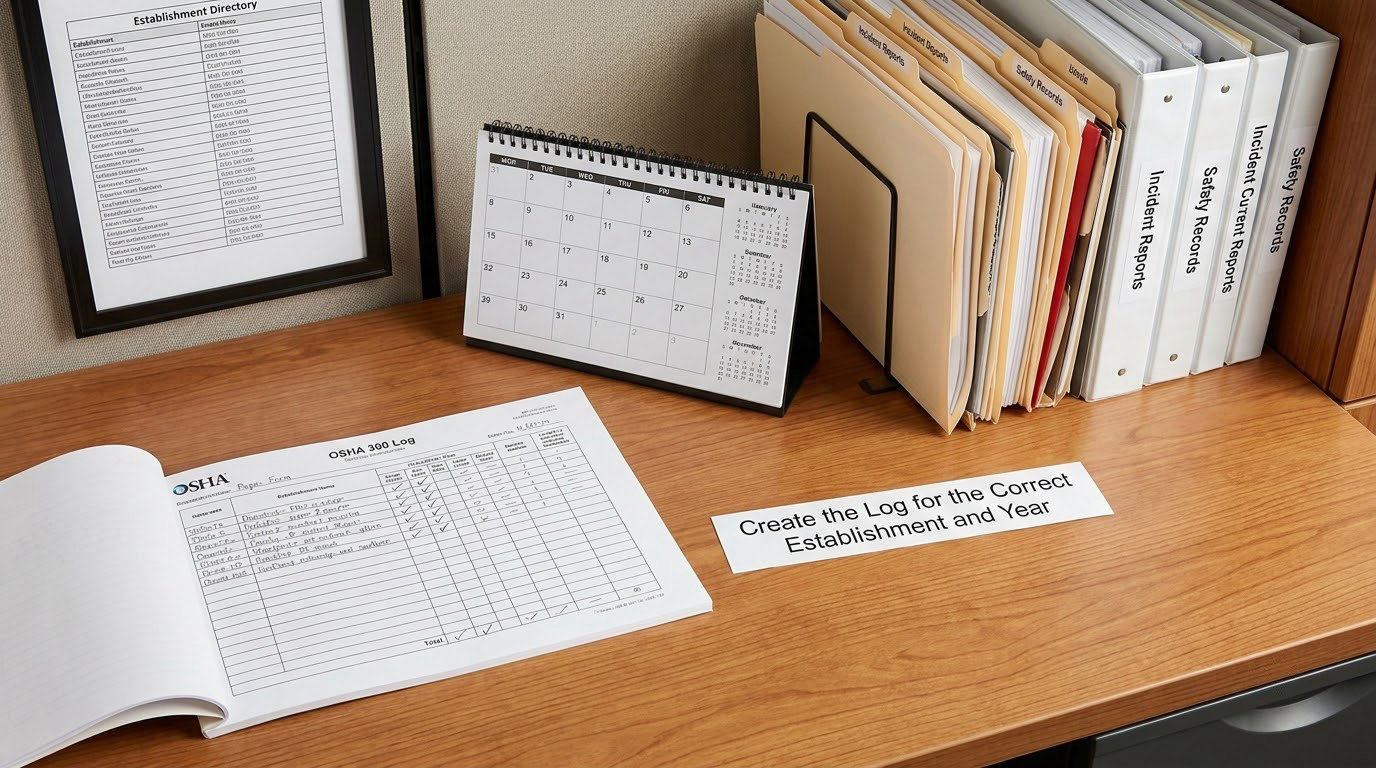
You keep one log per establishment per calendar year. An establishment is a fixed location where work is performed, including a jobsite controlled by you. A construction contractor working three separate sites keeps three logs. You cannot combine a home office with a warehouse unless they genuinely operate as one location under one management.
Open the form by entering the establishment name, city, state and ZIP code, and the calendar year, then mark the log as privacy-concern-enabled if you will be using privacy cases on this log.
List Each Recordable Injury or Illness
Each case gets its own numbered row, and the numbers stay in order through the year. Fill Columns A through F to identify the case:
- Column A — Case number. Sequential, beginning with 1 for the year, with no gaps and no reuse.
- Column B — Employee name. Full name, or “Privacy Case” when the case qualifies.
- Column C — Job title. The employee’s title at the time of the incident, not their current title.
- Column D — Date of injury or onset of illness. The injury date. For an illness, the date symptoms began requiring medical treatment or a diagnosis.
- Column E — Where the event occurred. The specific location — “Loading Dock 2” or “Assembly Line 4,” not just “Warehouse.”
- Column F — Description of injury or illness. The body part and the nature, with no diagnosis or speculation. “Strained lower back while lifting boxes” or “Chemical burn on the right hand from solvent.”
Then mark the outcome in Columns G through J. Column G is checked if the case ended in death. Column H is checked for any case with at least one day away from work. Column I is checked for any job transfer or restriction, including a light-duty assignment that follows a recordable injury. Column J is checked for other recordable cases — a case with medical treatment beyond first aid or loss of consciousness that produced no lost days and no restriction.
You check the column without entering a day count. The number goes in Column K or L, and only one of those columns ever has a count in a given row.
Then tick the classification boxes in Columns M1 through M6. M1 and M2 are the death categories. M3 is illness, M4 is injury, M5 is a skin disorder, and M6 is a respiratory condition. Every recordable case gets exactly one.
Count Days Away from Work or Restricted Work
Count calendar days, beginning on the day after the injury if the employee worked part of the injury day and stopped. If the employee did no work at all on the day of injury, that day is day one.
Do not count days the employee was not scheduled to work. If a warehouse worker with a Monday-to-Friday schedule is injured on a Friday and returns Monday, count Friday, Monday, Tuesday — two weekend days never enter the total. If the employee is scheduled for weekend work, those days count when the injury keeps them out.
Also skip the day they return, since they worked that day. If an employee reports to the office that morning and is sent home, that day does not count.
Enter the total in Column K when Column H is checked, up to a cap of 180 calendar days per case. Once the case passes 180 days, if the employee is working with a restriction or transfer, the day count stops in Column K and the remaining restricted days go in Column L.
Column L counts days of restricted work activity and has no 180-day ceiling. A modified-duty assignment on days the employee would not normally work does not add to the count.
Worked example: a delivery driver strained her back lifting a pallet on a Wednesday and was off entirely for three weeks. She returned on Monday with a 10-pound lifting restriction. Her log shows Wednesday counted as day one, 17 calendar days total in Column K, Column H checked, and Monday through Friday in Column L at 5 days. Her regular days off in those three weeks are excluded.
Transfer and Update Cases as the Year Continues
The log is a living document, not a year-end exercise. Correct the row when the facts change.
If an employee who checked Column H later returns with restrictions, you mark Column I as well. If a case crosses a calendar-year boundary, split it: the previous log holds days away up to December 31 and the new log holds days away starting January 1, and the continuing case counts as a new case in the new year. You also note the transfer date in the 301.
Workers’ comp does not end recordability. A case stays on the log while the injury keeps the employee out or restricted, even after a claim is filed, denied or settled.
Check Privacy Cases, Exemptions, and Recordkeeping Rules
A qualifying privacy case appears on the 300 log as “Privacy Case” in Column B, with no name. It also appears on a confidential cross-reference list that you attach to the log, telling you which case number belongs to which employee.
Two conditions apply. The employee must ask you to keep the case confidential, and it must involve one of these: mental illness, a traumatic event, HIV, hepatitis, tuberculosis or other bloodborne pathogens, a needlestick or sharps injury, trade secret or military/intelligence information, a specific identity like a transgender identity, or certain intimate body parts. The diagnosis has to come from the employee or a medical provider; you cannot withhold a name simply because the details feel sensitive.
Privacy does not exempt a case from recordability, and the cross-reference list never gets posted or shown to anyone outside those who need it.
Review, Certify, Post, and Retain the Log
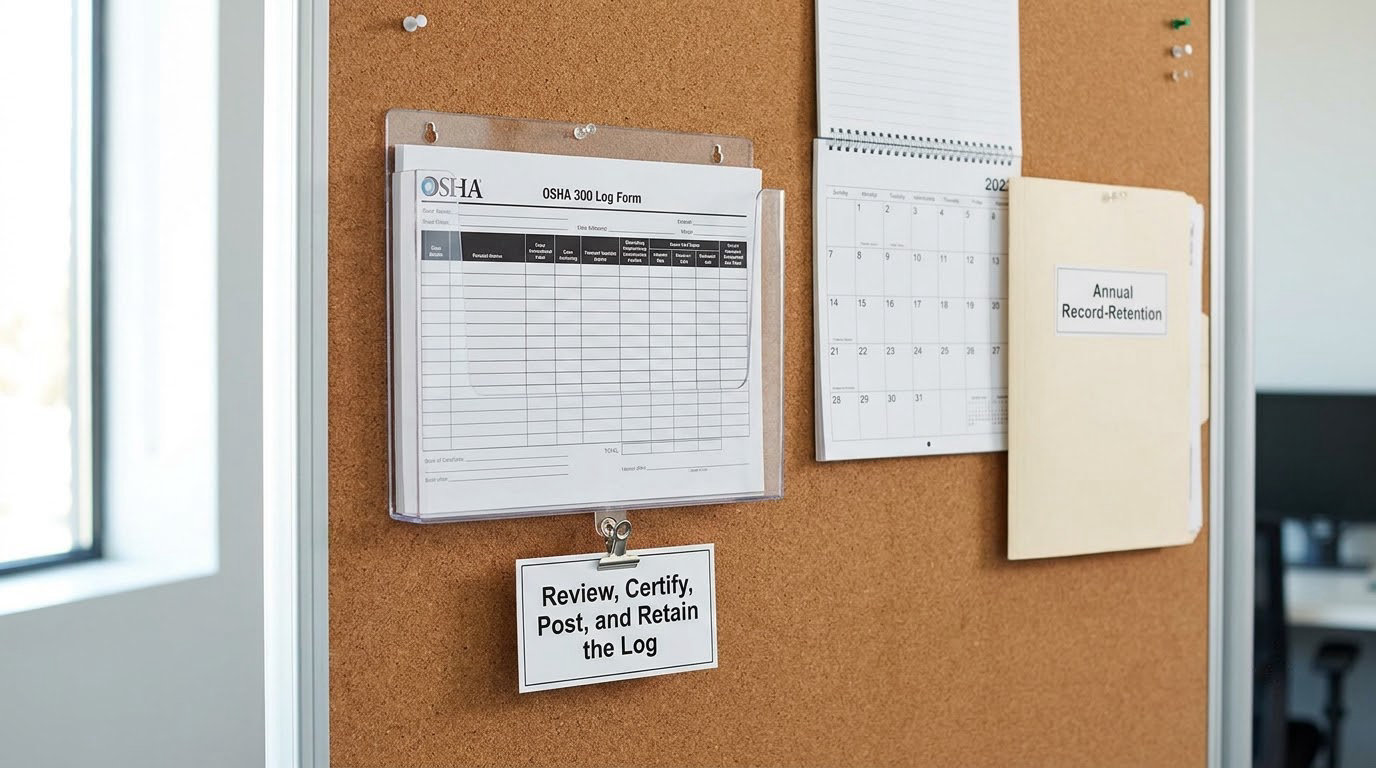
The 300 log itself is a private record. You never post it.
At year end, the counts from Columns G, H, I and J flow into the Form 300A summary, which an executive reviews and certifies with a signature and date. The 300A, not the 300, goes up on the workplace notice board from February 1 through April 30. You post the 300A even when you had zero recordable cases.
Employers with 20 or more employees, and any employer with 250 or more, must submit 300A data electronically through the OSHA Injury Tracking Application by March 2. Establishments in Appendix B with 100 or more employees are covered too.
Keep the 300 log, the certified 300A and the underlying 301s for five years. Keep the incident reports for the same five years.
Fix the Most Common OSHA 300 Log Errors as You Go
Catch these before the file closes:
- Counting workdays or excluding the injury day.
- Entering a day count in both Columns K and L on one row.
- Marking Column H for a light-duty case that involved no lost days; that belongs in Column I.
- Putting a diagnosis in Column F instead of a description.
- Recording a first-aid-only case with no lost days, no restriction and no treatment beyond first aid.
- Writing “Privacy Case” without building the confidential cross-reference list.
- Using the employee’s current job title instead of the title held on the injury date.
Quick Tips for an Audit-Ready OSHA 300 Log
Run these checks before certification:
- Numbering is sequential with no gaps or duplicated case numbers.
- Each row has exactly one M1 through M6 box checked.
- Each row with Column H checked has a Column K count; each row with Column I checked has a Column L count.
- Privacy cases have a matching entry on the confidential list.
- The 301 exists for every recordable case, or an equivalent form does.
- The establishment information matches your other OSHA filings exactly.
- Column totals match the 300A numbers line for line.
Common Mistakes When Filling Out the OSHA 300 Log
1. Counting workdays instead of calendar days. This is the most common error, and it systematically understates cases. Weekends and holidays that fall inside an absence count unless the employee was not scheduled to work that day. Fix it by counting the calendar and subtracting scheduled days off.
2. Recording first-aid cases. First-aid treatment alone is not recordable unless it meets a specific criterion, such as a prescription medication or immobilization of a body part in a splint. Bandages and ice packs do not qualify. Over-recording inflates your rate and invites citations.
3. Recording light duty in the wrong column. Restricted duty or a job transfer after a recordable injury goes in Column I and gets counted in Column L. It is not Column H unless the employee also lost a day of work.
4. Posting the 300 log instead of the 300A. The full log contains names and medical detail. Posting it creates a privacy violation. Only the certified 300A summary is a public document, and only February 1 through April 30.
5. Forgetting to update rows. A case logged with days away that later adds a restriction needs Column I marked. A case that crosses into a new year needs a second log entry with days counted from January 1.
6. Misusing privacy cases. You cannot hide a name just because an injury is embarrassing. If the case does not involve a qualifying identity, the name goes in Column B.
7. Missing the executive certification. The 300A needs a certifying executive’s signature and date. An unsigned 300A is not compliant.
8. Skipping the zero-case year. If you had no recordable cases, you still post a 300A reading zero. Silence is read as non-compliance.
9. Combining establishments. One log per physical location. A contractor running two jobsites maintains two logs.
10. Disposing of records too soon. The retention period is five years. Disposing at three years costs you in an inspection.
Frequently Asked Questions
Do all employers have to complete an OSHA 300 Log?
No. The requirement generally applies to covered private-sector employers, federal agencies, state-plan employers, and local government agencies with 10 or more employees at all times during the previous calendar year. Employers in certain low-hazard industries listed in Appendix B are partially exempt, as are businesses with 10 or fewer employees. Check your NAICS code against the current exemption list rather than assuming.
What injuries and illnesses must be entered on the OSHA 300 log?
Enter cases meeting OSHA recordability criteria: a fatality, in-patient hospitalization, amputation or loss of an eye; any days away from work; job transfer or restriction involving medical treatment or loss of consciousness; medical treatment beyond first aid; loss of consciousness; or a significant diagnosis such as cancer. First-aid-only cases with no lost days and no restriction do not belong on the log.
How do I count days away from work on the OSHA 300 log?
Count calendar days the employee could not perform the regular job. Start on the injury day if the employee did no work that day, otherwise the next day. Do not count days the employee was not scheduled to work, and do not count the return-to-work day. Cap Column K at 180 calendar days per case, then move any continuing restricted days into Column L.
Can an OSHA privacy case appear without the employee’s name?
Yes. Write Privacy Case in Column B and maintain a confidential cross-reference list linking case numbers to employees. The employee must request confidentiality and the case must involve a qualifying identity, such as mental illness, a traumatic event, bloodborne pathogens, a needlestick or certain intimate body parts. Not every sensitive injury qualifies.
Who may fill out the OSHA 300 log, and do I need to file it with OSHA?
Any trained adult at the establishment may complete the log as long as they can fill in Columns A through L and M1 through M6 accurately. You do not submit the 300 log to OSHA and you never post it. Only the 300A summary is posted, from February 1 to April 30, and certain larger employers must submit 300A data through the Injury Tracking Application.
Conclusion
Start by confirming whether you are covered, then gather every case from the calendar year. Review each one for recordability, classify it, and recount the days away from work using calendar days rather than scheduled shifts. Update rows as cases develop, keep the confidential list for privacy cases, and finish by certifying and posting the 300A on schedule. That sequence takes an afternoon and keeps the record defensible for 2026.