
A work from home routine for productivity and health is a fixed daily schedule that covers everything an office used to hand you: when you start, where you sit, when you move, when you eat, and when you stop. Set a start and finish time, a dedicated spot to work, two or three movement breaks, and a short shutdown ritual, and you have the core of it in about fifteen minutes of setup.
People ask for this because remote days quietly expand. Without a commute or a closing door, work spreads into the morning, the evening, and the sofa, while sitting and screen time climb without anyone noticing. The routine below is the fix, and it stays simple on purpose.
Table of Contents
- What You Need Before You Build a Work From Home Routine
- Step-by-Step: A Repeatable Workday
- A Sample Hour-by-Hour Remote Work Day
- Common Mistakes That Break a Work From Home Routine
- Frequently Asked Questions
- How do I create a productive work from home routine?
- How often should I take breaks when working from home?
- What is the best way to stay focused while working remotely?
- How can I stop feeling exhausted after working at home?
- Should I keep a fixed schedule when working from home?
- How can employers support remote employee productivity and health?
- Conclusion: Start With One Repeatable Workday
What You Need Before You Build a Work From Home Routine
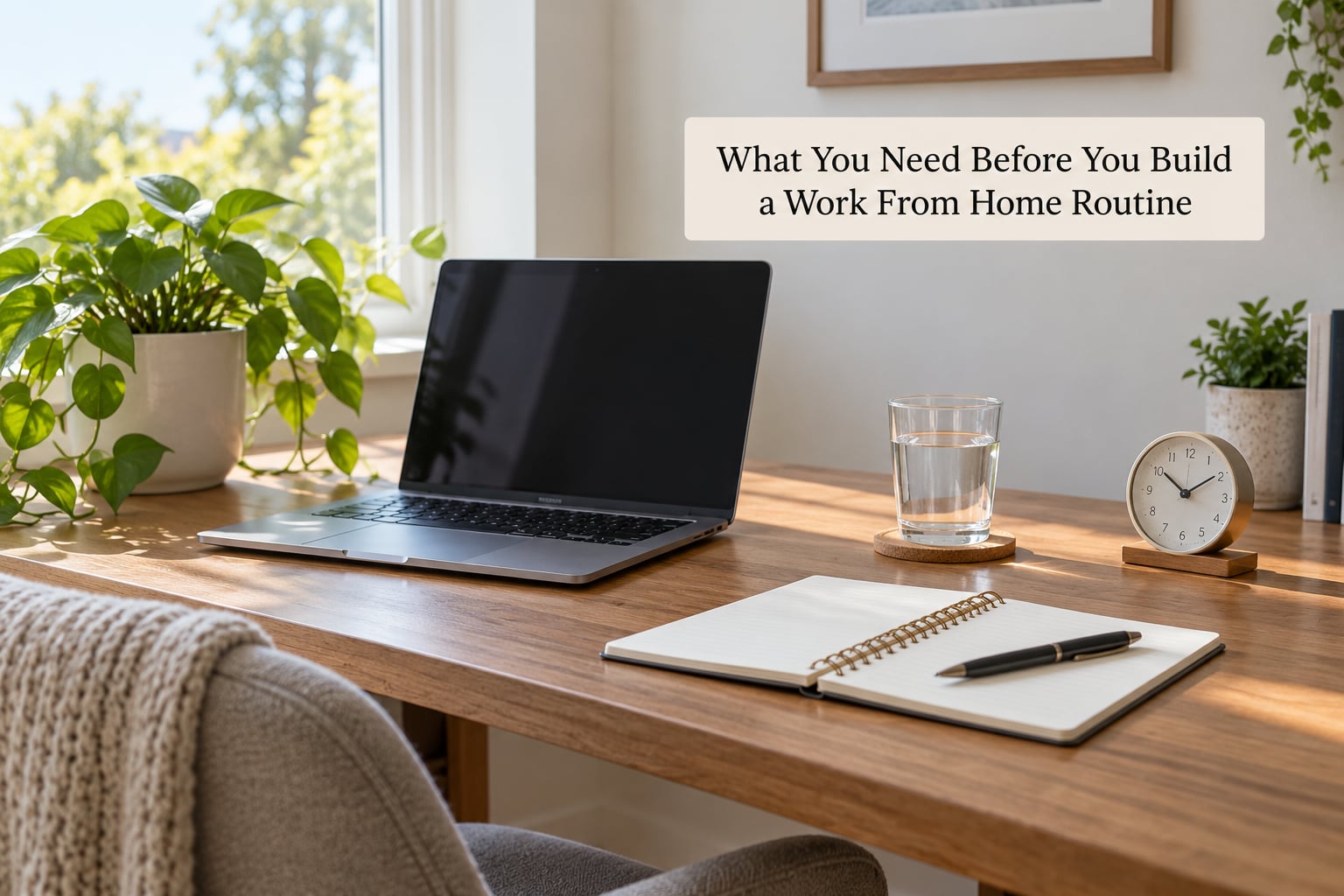
You need very little. The list below covers the workspace, the boundaries and the health habits that have to exist before the schedule itself does.
- A surface and a chair you can sit in for five hours. A dining table works. A laptop on a cushion on a bed does not. Your back and neck will file complaints by mid-afternoon.
- A screen at roughly eye level. A laptop stand or a stack of books lifts the top of the screen to the level of your eyes so your neck stays neutral.
- A separate spot for work, even in a small home. People working in flats describe a simple zoning trick: one corner or one table is for work only, and you do something else there when you are off. You do not need a spare room.
- A written list somewhere you cannot scroll past it. A paper notebook beats a task app when your phone is already the biggest distraction in the room.
- A water glass or bottle that lives within arm’s reach. You will not get up for water you have to walk across the room for.
- A start time and a finish time. Write both down. A fixed end is the single element most people skip and the one that protects evenings, weekends and sleep most.
- Notification control on your phone and laptop. Turn off non-human notifications. Keep calls and messages from humans on.
- One movement commitment. A ten-minute walk at midday works for most people. It does not need to be a workout.
Employers can support the same list on their side. A mental health support plan at work and a total worker health approach usually cover the equipment allowance and workload expectations that a home worker cannot fix alone.
Step-by-Step: A Repeatable Workday
Step 1: Prepare Your Workspace Before Work
Give yourself ten fixed minutes at your start time to do the same four things: clear the surface, check the equipment, fill the water, and decide the first task.
Clearing the surface sounds trivial and it is the step that quietly ruins most mornings. Yesterday’s papers and mugs signal that the day has no starting line, so your attention starts scattering before you have opened a single file.
Check the equipment properly rather than waiting to discover a dead charger mid-afternoon. Update the operating system, plug in the laptop, confirm your camera and microphone work if you have calls today, and put your phone face down somewhere you cannot reach it without standing up.
Physical distance from the phone is the most reliable distraction blocker most remote workers find. Not a setting, not an app, just a few metres of desk between you and every notification that arrives. Moving the phone at hand reaches for the same effect.
Then write down the single first task before you open anything else. Not the whole day, just the first one. It removes the small decision of where to begin, which is the decision most mornings lose minutes to.
Step 2: Set a Focused Start and Work Plan
Plan the day once, in writing, in under ten minutes. Choose three priorities, give each one a time slot, and write them in the order you will do them.
Pick three, not twelve. A long list feels productive and produces nothing, because the list itself becomes the task. Three priorities that get finished read as a successful day, and a finished list is what makes tomorrow easier to start.
Place your hardest work in your sharpest hours. Most people’s concentration peaks in the late morning, and cognitive performance across a standard day tends to follow the same shape. Put the task that needs real thinking first, then meetings, then the admin that can survive a low-energy hour.
Block that time on your calendar and treat it as a meeting with yourself. A block with a start and an end is harder to interrupt than an intention, and people who work this way report defending the block far less often once it becomes a habit.
Batch the interruptions. Group your calls, messages and email into two or three fixed windows instead of answering as they arrive, and keep notifications off outside those windows. Every single check costs you more than the seconds it takes to read, because returning to deep work takes a few minutes to rebuild.
Step 3: Build Movement Into the Workday
Move for two to five minutes every 30 to 60 minutes, and take one proper walk of 10 to 20 minutes away from your desk around midday.
Sitting is the health problem remote workers underestimate most. Desk workers commonly sit eight or more hours a day, and the concern that surfaces repeatedly in worker discussions is back and neck pain from a chair that was bought for dining, not for eight hours.
Micro-breaks beat nothing, but they beat nothing well. Stand up, refill the glass, walk to the far room, take the stairs once instead of the lift. The movement does not need to be exercise to relieve the pressure of sitting.
The midday walk is the part worth protecting. Ten to twenty minutes of daylight and walking changes more than your hips. It helps with the screen fatigue that builds across a day of video calls, and getting light during the middle of the day helps sleep that night.
Pair the walk with your least demanding work. Returning calls, reading short messages and clearing a small task list fit neatly into a walking slot without touching your focus block.
Step 4: Protect Breaks, Meals, and Hydration
Take a real lunch away from your desk for 30 to 45 minutes, drink water through the morning, and give your eyes a break every 20 minutes.
The reason remote breaks fail is location. A break taken at the same desk with the same screen is a posture change, not a break. Move somewhere else in the home, eat something you prepared, and let work follow you out of the room for the duration.
Meal timing matters more at home than in an office, because there is no canteen forcing a break at midday. Without a plan, lunch drifts to four o’clock, it turns into a graze of whatever was in the cupboard, and the afternoon slump arrives harder. Eating at a set time keeps energy steadier.
Kitchen snacking is the quiet version of the same problem. Standing at the open fridge browsing is not a break, it is unconscious eating. Put snacks in a box you carry back to your work spot, or leave them in the kitchen and eat them there.
Water is the easiest health habit to neglect at home, because the tap and the kettle are right there and the movement never happens. Fill your glass when you fill the kettle and keep it beside the keyboard. If your urine is dark, you are behind.
For your eyes, use the 20-20-20 approach: every 20 minutes, look at something about 20 feet away for 20 seconds. It costs nothing and it takes the edge off the screen fatigue that makes late afternoons blurry.
Step 5: End Work With a Shutdown Ritual
Give yourself ten minutes at your finish time to record progress, plan tomorrow’s first task, close every work tab and window, and write down anything you are carrying.
Record what you finished and what moved. The reason is not admin. People who write down progress feel the day counted, and that feeling is a large part of remote satisfaction. Without it, an evening spent at the same desk ends with the sense of a day that slipped past.
Write tomorrow’s first task in the notebook and close it. Then physically close the work window on your laptop and put it out of reach. A work from home routine is only as good as its ending, and the device being open is the reason many evenings keep expanding.
Replace the lost commute with something. A walk around the block, a shower, a change of clothes, ten minutes of something you enjoy. You just gave up an automatic transition between work and rest, so you have to build the transition yourself. Our guide to disconnecting from work after hours has more on making that stick.
Then stop. If work messages arrive after your finish time, they wait until morning unless your team has agreed otherwise. Writing that rule down while you are still calm is easier than defending it at seven on a Sunday evening.
A Sample Hour-by-Hour Remote Work Day
Here is what the five steps look like when they are placed on a clock. Adjust the times to your own contract and energy, but keep the order.
| Time | What you do | What it protects |
|---|---|---|
| 7:00 | Wake at a fixed time, same every day | Sleep and circadian rhythm |
| 7:30 | Shower, get dressed, eat a real breakfast | The pre-work transition |
| 8:00 | Ten-minute workspace reset and first-task decision | Attention at the start of the day |
| 8:15 | First focus block, hardest task | Peak cognitive hours |
| 10:00 | Short break, stand and refill water | Posture and eyes |
| 10:15 | Second focus block | Momentum |
| 12:00 | Lunch away from the desk, 30 to 45 minutes | Energy and digestion |
| 12:45 | 10 to 20 minute walk outdoors | Circulation and screen fatigue |
| 1:15 | Meetings and messages batched into one window | Focus time |
| 3:00 | Movement break and a second eye break | Back, neck and eyes |
| 3:15 | Admin block and low-demand tasks | Lower-energy hours |
| 5:00 | Ten-minute shutdown ritual, log off | Evenings, weekends and sleep |
| 5:15 | Replacement commute: walk, shower, change of clothes | The work-life boundary |
Common Mistakes That Break a Work From Home Routine
Working wherever you happen to be. Sofa, bed and kitchen table all blur the signal that work is happening. Fix it with zoning rather than a spare room: one surface is for work only, and something else happens there when you stop.
Skipping the finish time. This is the mistake that produces the roughly two extra hours a day that remote workers report, usually without noticing. Fix it by setting an alarm, shutting the laptop at a fixed minute, and putting the device somewhere out of reach afterwards.
Taking breaks at the desk. A break where you still sit, still scroll and still hold the phone is a posture change. Fix it by making every break involve standing up and leaving the room, even for two minutes.
Filling lunch with snacks. Working near food all day turns meals into continuous grazing. Fix it by eating a prepared lunch at a set time, away from the desk, in another room.
Planning the routine inside the routine. People spend an hour rearranging a schedule instead of working. Fix it with a ten-minute limit on planning and a hard rule of three priorities.
Forgetting the light and the walk. Screen-heavy days without daylight affect sleep that night, which affects the next morning’s start. Fix it with a short outdoor walk at midday.
Waiting for motivation after week three. The novelty of no commute fades, and routines built on novelty fade with it. Fix it by keeping the routine deliberately dull and by reviewing it once a week for fifteen minutes, changing one element at a time rather than rebuilding from scratch.
Letting video calls fill the whole day. Back-to-back calls produce the flat, watchful tiredness people call Zoom fatigue. Fix it by grouping calls, turning your camera off when you do not need it, and capping the number of external calls per day where you can.
Frequently Asked Questions
How do I create a productive work from home routine?
Write the whole day down the night before or in your first ten minutes. Fix a start and finish time, pick three priorities, give each one a time slot, and place your hardest task in your sharpest hours. Add a fixed break schedule, a lunch away from your desk, and a ten-minute shutdown ritual at the end. Keep the first version simple and change one element per week.
How often should I take breaks when working from home?
Every 30 to 60 minutes, for two to five minutes, plus one 10 to 20 minute walk around midday. Stand up and leave the room rather than scrolling at your desk, and take your eyes off the screen every 20 minutes. The aim is to break up sitting, not to add a project to your day.
What is the best way to stay focused while working remotely?
Block your focus time on the calendar like a meeting, switch off non-human notifications, and put your phone out of arm’s reach. Batch messages and calls into two or three fixed windows instead of answering as they arrive. Work in a consistent physical spot so your brain stops negotiating about where you are.
How can I stop feeling exhausted after working at home?
Set a hard finish time and shut the laptop at that minute, then replace the missing commute with a walk, a shower or a change of clothes. Add a midday walk and a lunch away from the desk, because the tiredness usually comes from sitting and scrolling rather than from the work itself. Persistent fatigue or low mood is not a routine problem, so talk to a doctor.
Should I keep a fixed schedule when working from home?
Fixed start and finish times help most remote workers, especially when there is no commute forcing the day to begin and end. Keep the core hours the same and flex the edges where your job allows it. Agree your hours with your manager in writing so the boundary is clear from both sides.
How can employers support remote employee productivity and health?
Agree on core hours and on what counts as being reachable, rather than expecting replies at all times. Provide an equipment allowance for a proper chair, an external screen or a laptop stand, and cover ergonomic advice. Expect output rather than visible hours, and check in on workload and isolation on a regular, scheduled basis.
Conclusion: Start With One Repeatable Workday
Start smaller than feels useful. Pick a start time, a finish time and one work spot, then repeat that same shape for five weekdays before adding anything else.
Movement is the next piece: a break every 30 to 60 minutes and a midday walk. Then add the two items people skip and later regret, which are lunch away from the desk and a real shutdown ritual.
A work from home routine for productivity and health is not a system you find once. Review it for fifteen minutes at the end of each week, change one element at a time, and let the version you actually keep be the one that works.