

An anonymous employee survey collects responses without storing anything that links an answer back to a person: no names, no email addresses, no logins, no unique links, no IP addresses. Learning how to survey employees anonymously is mostly about turning that promise into settings you can verify, then reporting results in a way that keeps respondents safe.
Most teams can run one end to end in a week. The hard part isn’t the software, it’s deciding what you will not collect, what group size is large enough to report, and what you will actually change afterward.
Table of Contents
- What You Need
- Step-by-Step: How to Survey Employees Anonymously
- 1. Define the purpose and confidentiality rules
- 2. Choose an anonymous survey method
- 3. Write neutral, useful questions
- 4. Test the survey and check anonymity
- 5. Invite participation without coercion
- 6. Monitor participation without monitoring individuals
- 7. Analyze and report only safe results
- When anonymity is the wrong choice
- Common Mistakes
- Frequently Asked Questions
- Can a survey be truly anonymous if employees receive an email invitation?
- How many responses are needed before reporting survey results?
- Should an anonymous employee survey include open-text questions?
- Can employers offer incentives for completing an anonymous survey?
- Should employers ask for legally protected or sensitive information?
- How should employers prevent managers from identifying survey respondents?
- Conclusion
What You Need
Before you open a survey tool, settle these eight things. Ten minutes of decisions here saves a second round later.
- One measurable goal. Not “improve culture.” Something like “find out why the second-shift team stops giving feedback after 8pm.”
- Your audience. Everyone, one department, or a specific site. Small groups change what you can safely report.
- A response window. Five to ten working days is normal. Longer windows raise survey fatigue, and the research on survey fatigue is consistent: repeated asks lower answer quality and response rates.
- A budget decision. Free tools from Google and Microsoft handle a simple pulse survey. You pay when you need cross-tabs, comment moderation, or a third party holding the data.
- A written confidentiality policy. What is collected, what is not, who can see results, and at what group size. This document goes in the invitation, not in a file nobody opens.
- An approved platform. Any platform works if you can turn off identifier capture at the response-collection level, not just in the admin view.
- Neutral question drafts. Written before the platform exists, so the tool can’t shape the questions.
- A reporting plan. The minimum group size you will enforce, who sees the results, and the date you will share findings with staff.
The minimum group size is the decision people skip and regret. Fix it before launch, not while someone is asking whether the two negative comments on the loading dock came from the same shift.
| Team size surveyed | Re-identification risk | What to do |
|---|---|---|
| 1 to 4 people | Very high | Do not run an anonymous survey. Use confidential individual feedback instead. |
| 5 to 9 people | High | Report only the whole-company roll-up. No department-level cuts. |
| 10 to 24 people | Moderate | Report group results only above a threshold of five, and never cross-tab two small groups. |
| 25 or more | Low | Segment freely, applying the threshold of five to every cut including demographics. |
Step-by-Step: How to Survey Employees Anonymously
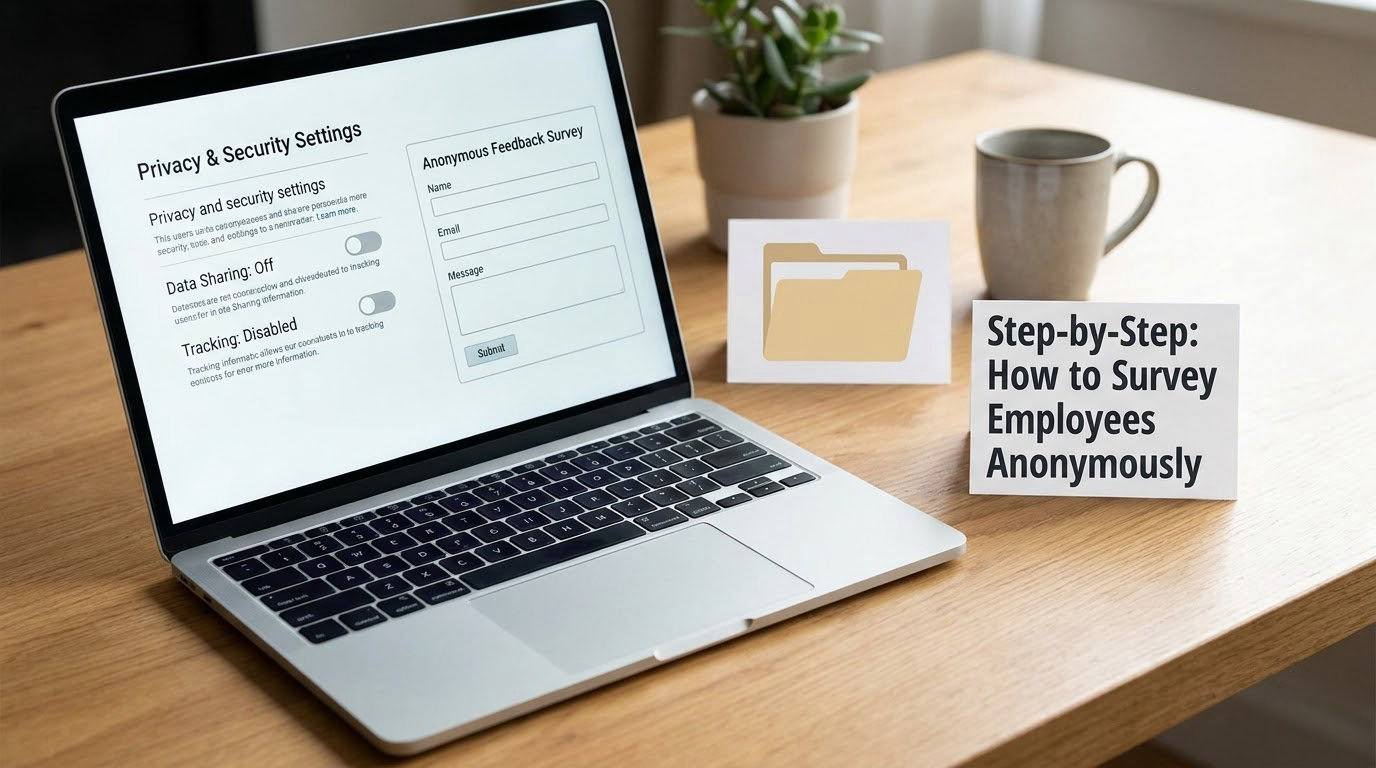
1. Define the purpose and confidentiality rules
Pick one objective you could measure in six months. Then write the rules that make anonymity real: no email addresses, no names, no employee IDs, no login required, no personalised links, no IP or device logging.
Decide in the same meeting what anonymity cannot do for you. It cannot hide a response inside a four-person team, and it cannot protect someone from being criticized for what they said once the words are public. Setting those limits early means you are not explaining them later.
You’ll know this step worked when you can hand a new HR coordinator a one-page summary of the rules without explaining it in conversation.
2. Choose an anonymous survey method
There are four common methods, and the right one depends on your workforce, not on features.
- Anonymous web survey. Best for most office and remote teams. Fast, cheap, easy to reach everyone at once. Your job is to verify the settings.
- Paper survey in a sealed box. The most genuinely anonymous option, and the only one that works well with staff who have limited device access or literacy. It needs someone to transcribe and destroy the paper afterwards.
- Suggestion box or comment form. Good for a standing safety or conduct channel, poor for measuring anything, because volume says nothing about how many people agreed.
- Third-party survey platform. Worth it when the trust problem is the real problem. The outside organization holds the data, which removes the argument about whether HR can be pressured. HR practitioners on Reddit describe exactly that pressure: requests to reveal who wrote a critical comment after a supposedly anonymous evaluation.
How to survey employees anonymously in Google Forms or Microsoft Forms comes down to one checkbox, but check that the setting applies to every response collector rather than just the default. Enterprise admin settings can override a survey-level choice, so verify the effective setting rather than assuming it. And if your tool emails a unique link to each person, stop. A unique link is a name, and a link that maps to a mailbox is the single most common way anonymity breaks.
3. Write neutral, useful questions
Keep it to 8 to 12 questions and under ten minutes. Longer surveys get abandoned, and abandoned surveys skew toward the people with strong feelings, which is the opposite of representative feedback.
Write balanced scales. A five-point agreement scale should have both “strongly agree” and “strongly disagree” points, or you are measuring agreement with whatever the middle option happens to be. Avoid forced-choice scales and avoid questions with a built-in verdict, such as “How would you rate management’s support for your wellbeing?”
Keep the optional open-text field, but limit it to one. Two or three invites long answers that read like depositions, and long answers are the fastest route to re-identification through writing style, project names, or client accounts. Pair it with a line telling people not to name colleagues.
Demographics are useful for finding patterns and dangerous for the same reason. Ask for broad bands, limit the number of demographic questions, and never cross-tab two of them.
If you need a question bank, our well being survey questions for employees covers the psychosocial and workload categories that suit an anonymous format.
4. Test the survey and check anonymity
Run these five checks before a single person sees it.
- Send the live link from a personal account that is not an administrator, then inspect what the platform recorded.
- Open the results and analyze view as the administrator and look for any identifying field the platform captured automatically.
- Check whether the tool logged an IP address, device identifier, or account association, and confirm the retention and deletion schedule.
- Read every question out loud for wording that invites identifying details, and check the response options for an obvious answer.
- Have a colleague who did not write the survey take it once, including on a phone, to check the layout and accessibility.
If any of those five turn up an identifier you cannot switch off, the tool is wrong for the job. A better survey is worth more than a cheaper one.
5. Invite participation without coercion
The invitation does most of the work. Keep it to a short note that states the purpose, the estimated completion time, what anonymity protects and what it does not, that participation is voluntary, the closing date, and how the results will be used.
Do not send reminders that single out laggards by name, do not have supervisors mention it in team meetings as a compliance item, and do not ask people to confirm they completed it. Workers on Reddit describe being told how to answer a supposedly anonymous survey, and they read that as pressure rather than protection. If your leadership team wants completion numbers, show overall totals and nothing per person.
Rewarding participation is fine as long as the reward is not tied to answering a particular way. Our notes on wellness program incentives that actually motivate employees cover the version that survives scrutiny: a drawing, a small shared reward, a deadline.
Getting enough people to answer is the other half of the job. Our guide on how to get employees to participate in wellness programs has the participation mechanics that transfer well to survey response rates.
6. Monitor participation without monitoring individuals
Watch two numbers: total responses and the response rate against your headcount. Both are visible to the administrator. Individual completion times, submission order, and per-person tracking are not, and turning them on defeats the purpose.
Use one or two general reminders during the window, worded for everyone rather than anyone. If participation is thin, widen the window or ask a neutral third party to send the invite, not to chase individuals.
You know this step worked when you can report “184 of 312 employees responded, 59 percent” and cannot say anything about who.
7. Analyze and report only safe results
Clean the data before you read it. Two comments from the same person, or a comment that names a project, should be handled as a signal, not quoted.
Apply the threshold of five to every cut of the data, including demographic cross-tabs, and suppress anything below it. Report themes and counts rather than reproducing raw comments, and put serious safety or misconduct reports through a separate escalation route rather than the aggregate report.
Close the loop with a written summary that includes the response rate, the main themes, the two or three things you will change, who owns each change, and when you will report back. A survey that produces no visible action is worse than no survey, because employees learn that honesty has a cost and stop volunteering it. Workers on German-language workplace forums described that exact sequence: honest answers in year one, nothing fixed, quiet participation afterwards.
When anonymity is the wrong choice
Some situations need to be identified, and forcing anonymity on them makes the data worse. New-hire onboarding feedback should be tied to the person so support can follow. Exit surveys often work better with an optional contact field, since an employee leaving for good cannot be protected by team size. A conversation about workload or performance needs a follow-up path that an anonymous channel cannot provide.
On a team of fewer than about ten, the honest answer is that anonymity is not available to you. Run a confidential channel instead, and be clear about the difference rather than over-promising.
Common Mistakes
Each of these is easy to fix and expensive to ignore.
Collecting email addresses. The most common failure, and the easiest to avoid. If you want to reach people who have not responded, use a separate sign-up form that is never linked to responses.
Asking people to describe their role. Questions like “which department are you in” turn harmless into traceable once combined with a distinctive comment. Use broad bands and stop at two demographic questions.
Sending a unique link to each person. HR practitioners point this out as the flaw people miss: a personalised link identifies the recipient by definition. Use one identical link for everyone.
Making a vague promise. “Responses are confidential” tells an employee nothing about IP logging or group size. State what is not collected, who can see results, and the minimum group size for reporting.
Sharing raw comments. Even honest, useful feedback becomes dangerous when a manager can read one paragraph and recognize the voice. Summarize themes; quote nothing without review.
Reporting groups that are too small. A chart showing two responses out of a three-person team defeats every technical protection in the tool. Enforce the threshold everywhere, including on filters nobody expects you to check.
Frequently Asked Questions
Can a survey be truly anonymous if employees receive an email invitation?
Yes, as long as the email itself is not the identifier. Send one identical link to a distribution list, mailing list, or chat channel, and never a unique or personalized link. The invitation can explain the survey and the deadline without being tied to a response. If you need reminders, send them to the same group rather than tracking who opened or who replied, and never ask people to confirm they completed it.
How many responses are needed before reporting survey results?
Most organizations use a minimum of five responses in a group before showing results for it, and that rule should apply to every cut of the data, including demographic cross-tabs. In a small team, five may already be more than half the group, so report the roll-up across the whole company instead. Decide the threshold before launch and write it into the invitation so employees know the protection exists.
Should an anonymous employee survey include open-text questions?
Include one, kept optional. Free text surfaces the detail that multiple choice misses, which is why it stays in nearly every good survey. Two cautions: more than one open field invites long, identifying answers, and raw comments should never be republished without review. Summarize recurring themes, avoid quoting, and tell respondents not to name colleagues in the field itself.
Can employers offer incentives for completing an anonymous survey?
Yes, as long as the incentive is not tied to a particular answer and does not create a record linking people to responses. A prize drawing among all participants, a small shared team reward, or extra time after submission are all workable. A per-person incentive that is logged against a name defeats the survey, and so does a reward large enough that people answer for the wrong reason. Publish the mechanism in the invitation.
Should employers ask for legally protected or sensitive information?
A general workplace survey should not ask for it. Questions about medical status, disability, protected characteristics, immigration status, or legal claims create legal exposure and can out someone in a small group. Handle those matters through HR, occupational health, or an ethics channel designed for them, not through a pulse survey. If a question touches health or wellbeing, keep it general and point people to confidential support in the invitation.
How should employers prevent managers from identifying survey respondents?
Three rules do most of the work. Enforce the minimum group threshold in the reporting tool itself, report themes rather than raw comments, and publish an anti-retaliation policy with a named escalation path that does not run through the manager being rated. Never hold a team meeting about who wrote a negative comment. Trust signal from workers is blunt: a manager trying to reverse-engineer an author ends the feedback channel for good.
Conclusion
Start with the four decisions, not the software. Write down the single purpose of the survey, pick a method that collects no identifiers, agree the minimum group size for reporting before anyone sees results, and run the five anonymity checks on the live link.
Then protect the people who answer. No unique links, no email capture, no raw comments, no subgroups under five, and a published summary with named owners and dates. If your last survey collected honest feedback and nothing changed, the fix is not a better questionnaire; it is a visible follow-through on the previous one before the 2026 round opens.