
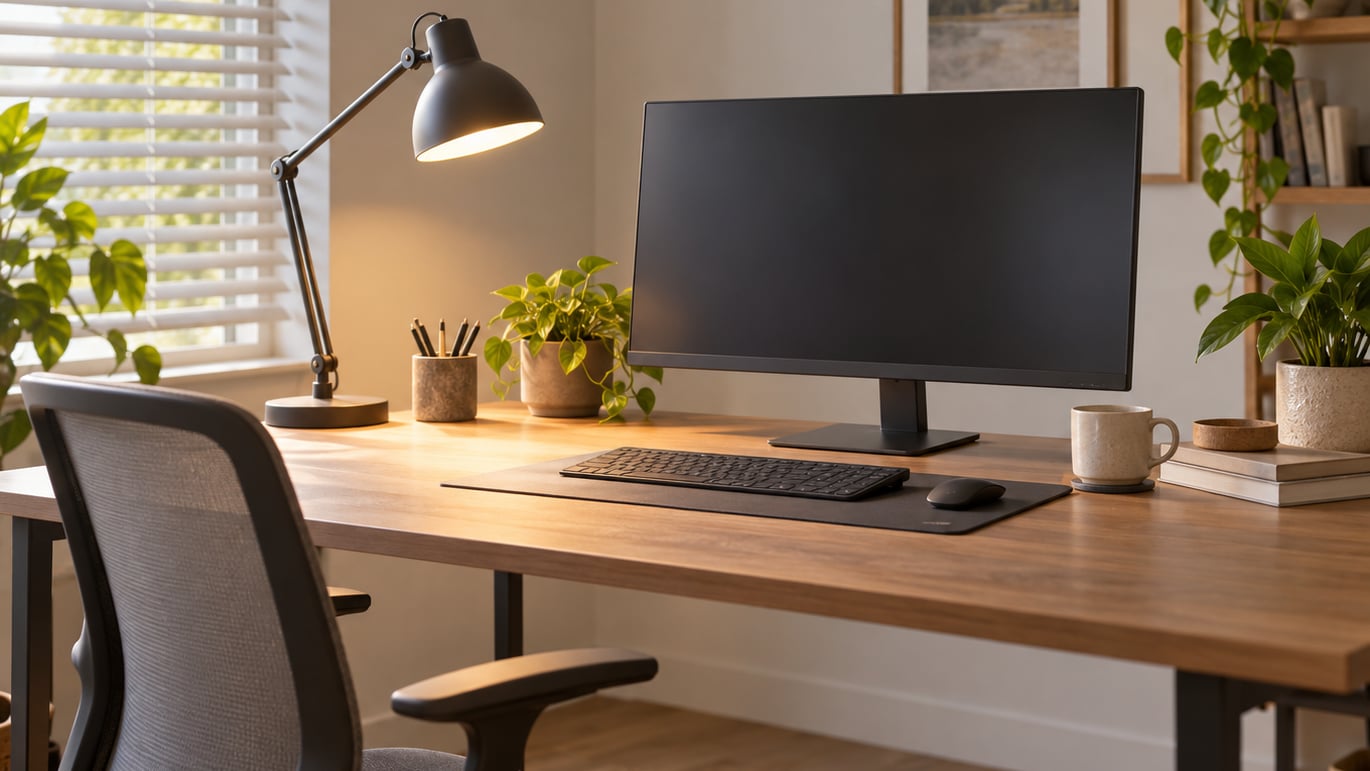
Good home office lighting to reduce eye strain is layered and even: roughly 300 lux of ambient room light, a focused task lamp putting about 500 lux onto your work surface, and a soft bias light behind the monitor. The goal is that no single source is dramatically brighter than everything else, and that nothing reflects in the glass. Most people can get there in an afternoon without buying anything.
That matters because screens are usually blamed for symptoms that lighting is causing or making worse. A monitor in a dim room forces your pupils and focusing muscles to keep readjusting every time you look away from it, and a window behind the screen puts a brightness source straight into your line of sight. Fix the room and the screen often stops being a problem — which is why lighting is the first thing to change before you start shopping for a new display.
What follows is the setup I would walk any remote worker through: what to have on hand, the order to do it in, a short test to confirm it worked, and the mistakes that quietly undo all of it. If you want the broader screen-habits picture first, we have a guide on how to prevent eye strain from computer screens that covers the rest of the ergonomic stack.
Table of Contents
- What You Need
- Step-by-Step
- Step 1: Assess the room in daylight
- Step 2: Control the daylight
- Step 3: Position the screen
- Step 4: Build the ambient layer
- Step 5: Add the task layer
- Step 6: Set brightness and color temperature
- Step 7: Add a bias light and check the result
- How to choose the main lighting direction
- Test home office lighting to reduce eye strain
- Pair the lighting with breaks and blinking
- Common Mistakes
- Frequently Asked Questions
- What is the best desk lighting for eye strain?
- Is natural light always best for reducing eye strain?
- How bright should my monitor be relative to the room?
- Do blue-light glasses or special eye-care bulbs help with eye strain?
- How do I light a desk when working at night in a dark house?
- How long can computer eye strain last, and when should I see an eye professional?
- Conclusion
What You Need
None of this is specialist equipment. You need a light source you can aim or dim, a clear patch of desk, and about ten minutes of attention per change.
- An adjustable desk lamp or an aimable overhead fixture. A lamp with an articulated arm lets you move the head as your day changes, which matters more than any brand name on the box.
- A clear desk area. Move paperwork stacks and laptop stands out of the lamp’s path first, so you are lighting the surface rather than the clutter.
- Your monitor or laptop. You will be adjusting its brightness and position relative to the new light, so have the display settings open.
- Blinds, curtains or a window covering. If a window is anywhere near your desk, you need a way to cut direct sun without killing all daylight.
- A light meter, or your phone. A cheap light meter app gives you a lux reading. If you do not have one, you can still complete every step using the tests described later.
- A comfortable chair at correct height. Lighting changes your posture when you lean toward or away from a screen, so the seating has to be settled first.
If you work for an employer, check what they have already said about equipment and electrical safety before adding fixtures. Some workplaces supply a monitor arm, an ergonomic assessment, or a standard desk lamp, and adding your own light on top of an existing setup can make things worse rather than better.
Step-by-Step
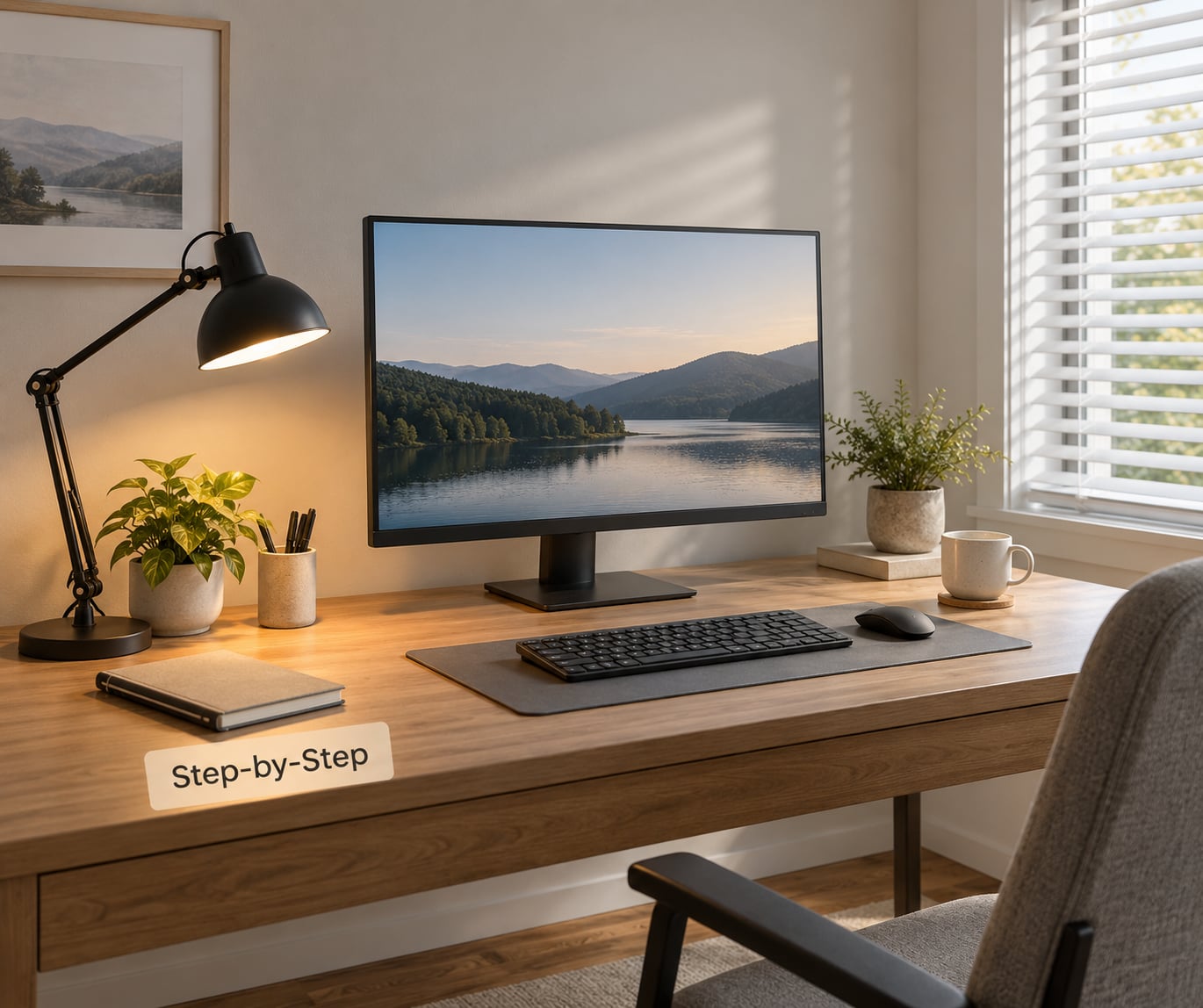
Work through these in order. Each step assumes the previous one is done, and each one is quick enough to do before a coffee break.
Step 1: Assess the room in daylight
Sit at your desk at the time you normally start work and note where the light comes from. Is there a window beside you, behind you, or behind the monitor? Is there a ceiling fixture, and is it directly overhead or offset?
Write down which of those three it is, because the fix changes completely depending on the answer. A desk facing a window, a desk with a window behind it, and a windowless basement corner cannot be lit the same way.
Step 2: Control the daylight
Side-on daylight is the best light most home offices will ever get, because it illuminates the desk and your face without sitting behind the screen. Keep that window and cover only the part of it that produces glare.
Sheer curtains diffuse sun without making the room dark, which is usually enough. If you need more, a roller blind pulled halfway does more than a blackout panel, because you keep the useful half of the daylight.
Step 3: Position the screen
Set the monitor roughly an arm’s length away with the top of the screen at or just below eye level. If daylight comes from a window beside you, the screen should sit at a right angle to that window so the light rakes across it instead of reflecting straight back.
A screen placed at 90 degrees to a window is the reliable arrangement. Straight on means the window either backlights you or reflects in the panel, depending on which side of you it is.
Step 4: Build the ambient layer
Ambient lighting is the general room light that keeps the space around your screen from being a cave. Aim for roughly 300 lux at desk level in the general area, which for most rooms means getting a ceiling fixture on rather than relying on a single lamp.
Office lighting standards commonly reference about 500 lux for general desk task work as a reference point, so if your room can only manage one number, that is the useful one to work toward. If you have a light meter app, take a reading at the desk surface with the monitor on and adjust until the room feels evenly lit rather than bright in one spot.
Step 5: Add the task layer
A task lamp is for the paper, the keyboard and your hands, not for the screen. Put it on the side opposite your writing hand so you do not work in your own shadow, position it 18 to 24 inches to the side of the monitor, and aim the beam down at the work surface.
Keep the lamp head above eye level or outside your forward view. A head that sits at eye level puts a bright bulb in the middle of your field of vision, which is direct glare and one of the fastest ways to undo everything else.
Most people are under-lighting here. General guidance puts a desk lamp in the 400 to 500 lumen range for mixed computer and paperwork work, and 450 to 550 lumens for close reading, so if your lamp feels weak on paper, that is a range issue rather than a placement issue.
Step 6: Set brightness and color temperature
Match the monitor to the room, not the other way around. If the panel is visibly the brightest object in your peripheral vision, turn the screen down until it is roughly equal to the white paper next to it. That comparison against a white page is the most reliable test available and it takes two seconds.
On color temperature, cool light early and warm light late. Around 5000 to 5500K in the morning tracks the daylight you would be outside in, roughly 4000K at midday suits office work, and 2700 to 3000K in the evening signals that your day is finishing.
The evening step is the one most people skip and the one that matters most if you work after dark. Keep the room at a similar brightness to your screen rather than dropping to near-black, or your eyes will be adapting between two extremes all evening.
Step 7: Add a bias light and check the result
A bias light is a soft source behind or beside the monitor aimed at the wall, which evens out the contrast around the panel. A directional lamp pointed at the wall works, and an LED strip run along the back edge of the desk does the same job.
This is the fix that community advice on workspace forums keeps coming back to, usually for good reason: users report that pointing a lamp at the wall behind the monitor reduces the fatigue of staring at a bright thing against a dark background, and it costs almost nothing to try.
Then stop and use the tests below before you buy anything else.
How to choose the main lighting direction
Put your brightest usable source to the side of the desk, above eye level, and out of your direct line of sight. That is the geometry that reduces eye strain, because it lights your work surface and your face without putting a bright object between you and the screen.
Overhead-only lighting is the most common problem in a converted spare room. A bare ceiling fixture directly above forces your pupils to constrict while you look down at a bright desk, then dilate again when you look up at the screen, and that constant cycling is uncomfortable in a way people describe as a headache rather than as eye strain.
Strong backlighting is worse. A window or a bright lamp directly behind your monitor silhouettes the panel, leaves you squinting at the screen, and often throws a reflection straight into the glass if the source is at an angle.
| Your room | Main light position | Watch out for |
|---|---|---|
| Window beside the desk | Use it, with the screen at a right angle to it | Sheer curtain if the sun rakes across the panel |
| Window behind the desk | Offset the desk or add side light | Backlighting and a full-screen reflection |
| No window, interior room | Ceiling fixture plus a task lamp at 500 lux | Flat, even light with no single source dominating |
| Basement or low ceiling | Bounce light off the wall or ceiling | Harsh downlight hitting the top of the screen |
| Dual or ultrawide monitor | Lamp 18 to 24 inches to the side, or behind both | Unlit edges of the second panel |
| Standing desk | Arm with 24 to 30 inches of reach | Light head left behind at seated height |
Clamp-mounted lamps earn their place on small desks because they give back the footprint a weighted base takes up, which matters once you are under about 48 inches of desk width.
Test home office lighting to reduce eye strain
Run these four checks at the same time of day you mostly work, and again at a different hour. If a setup only feels right at noon, it is not fixed.
- The doorway squint test. Stand in the doorway and look at your setup. Your face and your screen should look roughly equally bright. If the screen is a glowing rectangle in a dark room, that is the whole problem in one glance.
- The black-screen reflection test. Turn the monitor off and look at the black panel. You should see your desk lamp or a window, not your own face staring back. Anything you can see in that black glass is glare you will fight all day.
- The shadow test. Put your hand under the lamp at your normal working position. If your hand casts a hard shadow across the paper or keyboard, move the lamp to the opposite side or raise it.
- The hour test. Come back when the daylight has moved or gone. Re-run the doorway test. If the room has gone dim while the screen is still bright, you need the task layer on then, not only at nine in the morning.
Write down what you changed and when. Six weeks from now you will not remember which arrangement you settled on, and the notes take a minute.
Pair the lighting with breaks and blinking
Lighting handles contrast and glare. It does nothing about the third cause of screen discomfort, which is hours of unbroken near-focus, and nothing about your blink rate dropping roughly in half while you concentrate on a display.
That is why the rest of the routine matters. The 20-20-20 rule for eye strain is simple enough to follow without an app: every 20 minutes, look at something 20 feet away for 20 seconds. Deliberate full blinks help with the dryness that screen work causes, and keeping a glass of water near the desk does more than most people expect.
Common Mistakes
Almost every lighting setup that fails does so for one of seven reasons, and all of them are fixable in minutes. That is the useful part of home office lighting to reduce eye strain work: none of it needs specialist kit.
A bright window behind the monitor. The screen becomes the darkest object in your vision and the room fights you. Rotate the desk if you can, or hang a light-toned blind behind the panel to knock the luminance down.
A bright screen in a dark room. This is the single most reported trigger in remote-work discussions and it is the easiest to fix: turn on the ambient layer before you start, and keep it on all day. A screen at roughly the same brightness as the room behind it stops demanding constant pupil adjustment.
Overhead light only, with nothing else. It feels harsh and gloomy at the same time, which sounds contradictory until you notice the room is bright on the ceiling and dark at desk level. Add a task layer and bounce some light off a wall.
A harsh, unshielded task lamp. Bare bulbs and narrow spot beams create a hotspot right where you are looking. What you want is a wide, diffused head, ideally CRI 90 or above so colors on your screen look accurate rather than washed out.
A lamp that flickers. Some cheap LED lamps pulse rapidly at a frequency you cannot consciously see but your eye still responds to. It shows up as a subtle shimmer, and some people describe it as a persistent low headache. Point a phone camera at the lamp and a healthy lamp shows a steady panel while a flickering one shows dark bands; if you see them, that lamp is making your setup worse.
Screen brightness cranked to the maximum. Sometimes this is a workaround for a dim room, and it fixes the visibility while causing the strain. Match the screen to the room instead.
Treating color temperature as a cure. Warm bulbs do not treat digital eye strain, and neither do blue-light-blocking glasses. Forum threads on color temperature and headaches usually end up at the same place: the problem was brightness mismatch between the screen and the room, not the bulb. Blue light at the levels a normal desk lamp produces is not what eye-care warnings are describing, which is largely about staring at the sun or very bright sources directly.
Two quick maintenance notes. Dust on a diffuser drops output noticeably, so wipe lamps every few months. And if you use smart bulbs, schedule their shift with your day rather than leaving one setting all year.
For the wider picture on sitting hours and what else contributes to discomfort at a workstation, our piece on office worker health risks explained covers the parts lighting cannot address.
| What | Target | Notes |
|---|---|---|
| Ambient room light at desk | About 300 lux | Room edges included, not just the desk |
| Task light on the work surface | About 500 lux | Office standards reference this level for desk work |
| Desk lamp output, mixed screen and paper | 400 to 500 lumens | Close reading needs 450 to 550 |
| Color temperature, morning | 5000 to 5500K | Matches early daylight |
| Color temperature, midday | Around 4000K | Neutral, suits office tasks |
| Color temperature, evening | 2700 to 3000K | Wind down as the day ends |
| Lamp position from monitor | 18 to 24 inches, to the side | Behind both panels on multi-monitor desks |
| Color rendering index | CRI 90+ | Accurate screen colors |
Frequently Asked Questions
What is the best desk lighting for eye strain?
A diffused, aimable task lamp placed 18 to 24 inches to the side of the monitor and aimed down at your work surface. It should throw roughly 500 lux on the desk without putting a bright head in your line of sight. Layer it with around 300 lux of ambient room light and a soft source behind the monitor so the screen is not the brightest object in the room.
Is natural light always best for reducing eye strain?
No, and it is not really the light itself that matters but the direction and the contrast. Side-on daylight is genuinely useful because it lights your desk and face without sitting behind the screen. A window directly behind your monitor is worse than no window at all, because it backlights the panel and often reflects in the glass.
How bright should my monitor be relative to the room?
Close enough that you cannot tell at a glance. Compare the screen to a white sheet of paper on your desk and adjust the monitor brightness until the two look equally bright. If the screen stays visibly brighter during the day, you are working in a dim room and the fix is ambient lighting, not a brighter display.
Do blue-light glasses or special eye-care bulbs help with eye strain?
For ordinary desk work the evidence is weak, and the complaints in most forums trace back to brightness mismatch and glare rather than the color of the light. A high-quality, high-CRI, flicker-free lamp is worth having because of the glare and the quality of the light, not because of any claimed blue-light filtering.
How do I light a desk when working at night in a dark house?
Do not work in a black room with a glowing screen. Turn on the ambient layer, drop the color temperature to 2700 to 3000K, keep the screen brightness close to the room’s, and add a bias light behind the monitor. If your symptoms are consistently worse at night than during the day, that contrast is the reason.
How long can computer eye strain last, and when should I see an eye professional?
Symptoms that clear after a night away from screens usually settle once contrast, glare and break habits are fixed. Book an eye exam if discomfort persists, if you get headaches that do not go away after resting, or if you notice blurred or double vision. Uncorrected prescription changes, dry eye disease and age-related near-focus changes are medical matters that no lamp can address.
Conclusion
Start with the first action, not the full setup: turn on the room lights and turn the monitor down until the screen and a sheet of white paper look equally bright. That single change resolves the most common complaint people bring to eye strain advice, the bright-screen-in-a-dark-room problem, and it costs nothing.
From there, add the task lamp to one side so your hands are lit and the beam lands on the desk rather than in your eyes, then add a soft source behind the monitor to even out the contrast. That is most of home office lighting to reduce eye strain, and none of it needs new hardware. Run the doorway and black-screen tests to confirm, and note the setup down so you can repeat it when the season changes.
Lighting fixes contrast and glare. It does not fix hours of unbroken near-focus, so keep the 20-20-20 breaks and deliberate blinking going alongside it. And if you have persistent pain, headaches that outlast a night’s rest, blurred or double vision, or symptoms that no lighting change touches, book an eye exam — some of what feels like a lighting problem is a prescription or dry eye issue that only a professional can assess.