
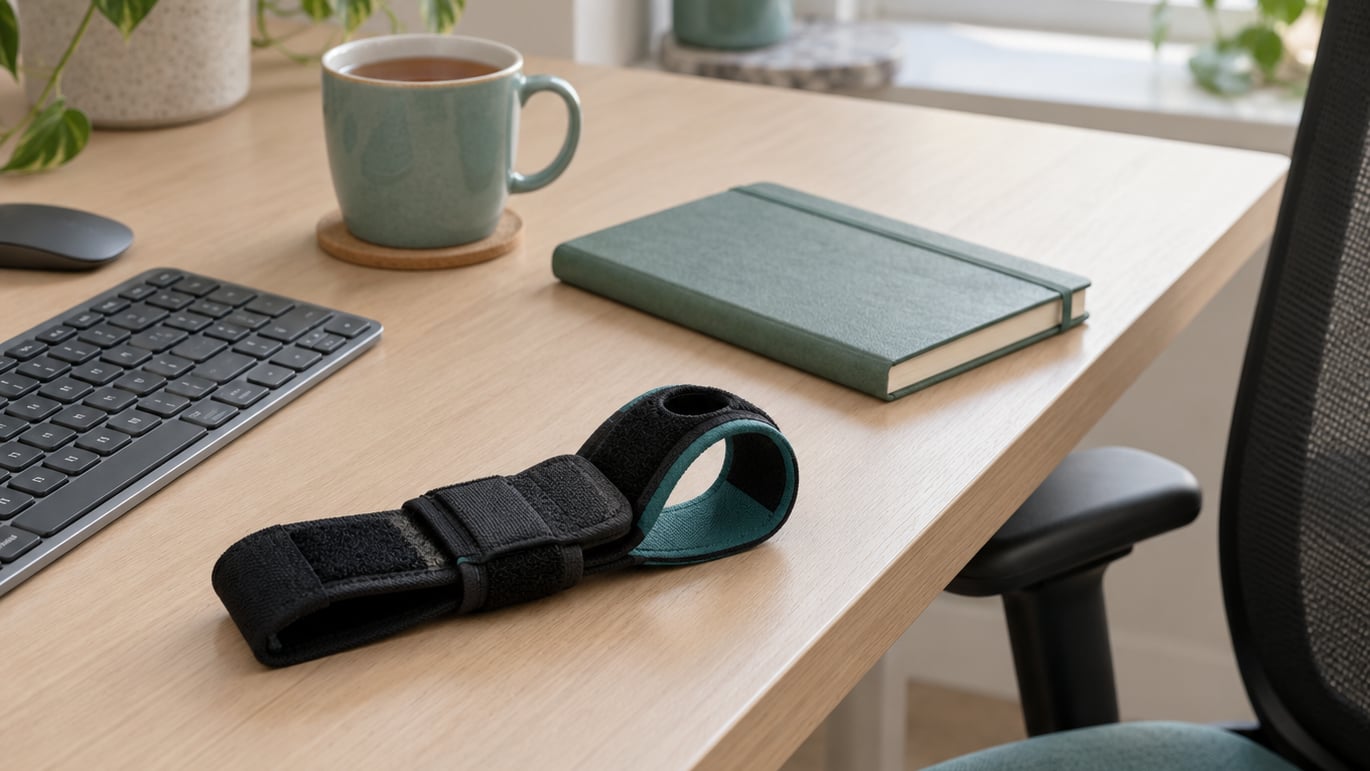
If your hands ache by mid-afternoon, wrist stretches for typing take about five minutes and need nothing more than your chair and a clear desk. The five moves below cover the wrist flexors, extensors, thumb and forearm that hold the same position for hours while you type.
None of it should hurt. You are looking for mild tension, the kind that says the tissue is being asked for something, not sharp pain that makes you pull away.
The reason keyboard work leaves hands feeling like that is simple. The flexors that pull your fingers down and the extensors that lift them up stay shortened or loaded for the whole session, and every shift between mouse and keyboard adds another movement the wrist did not plan for. Over weeks that resting shape starts to feel like your normal, which is when tightness sets in.
The dose model here follows what hand mobility guidance generally recommends: short holds, several repetitions, a few times a day.
Table of Contents
What You Need
No equipment. A wrist strap, a stress ball or a foam roller are optional extras, not requirements. Five stretches done without props will do more good than a drawer full of gadgets you never use.
What does matter is setup. Sit back in your chair with both feet on the floor and let your shoulders drop away from your ears, because tight shoulders carry straight down into the forearms.
Rest the forearm on the desk edge or on your thigh if you are seated. A supported elbow takes the weight of the arm so the stretch lands on the wrist instead of the shoulder.
Then check your hand position. Fingers loose, thumb resting lightly, wrists either level or floating slightly above the keyboard. Wrist rests exist to keep the hand supported during pauses, not to pin your wrists down while you type.
Give yourself five uninterrupted minutes. If a meeting is about to start, the shortened version in the frequency section below takes about twenty seconds and works just as well as a break from one task to another.
Step-by-Step: A 5-Minute Wrist Stretch Routine
Run these five moves in order, roughly a minute apiece. Hold each static position for 15 to 30 seconds, repeat two or three times, then switch sides. Start on the side that feels tighter rather than starting with the same wrist every day.
How to do wrist stretches for typing without straining
Keep the elbow of the stretching arm supported or straight, and move slowly through a comfortable range. If you feel pinching in the joint itself rather than a stretch along the forearm, back off and try a smaller range.
Do not bounce. Stretching works by holding a position long enough for the tissue to adapt, not by forcing further every few seconds. Rocking back and forth is a common habit from gym stretching that has no place here.
Sharp pain, tingling or numbness are stop signals, not effort signals. Stop the stretch, shake the arm out, and let the professional judgement start with a doctor or physical therapist if it does not settle.
One more rule: never stretch a wrist that is hot, swollen or actively inflamed. Rest and a professional assessment come first there. Gentle movement through a pain-free range is usually fine, but forcing range is not.
1. Gentle wrist flexion
Extend one arm straight in front of you with the palm facing up, as if you are offering someone something. Keep the shoulder relaxed rather than shrugged toward your ear.
Use the other hand to gently guide the fingers of the extended hand backward, letting the wrist bend toward the underside of the forearm. You should feel a line of tension along the inner forearm.
Hold 15 to 30 seconds, breathe out, then release slowly rather than dropping the hand. Repeat two or three times, then change arms.
This is the stretch most typists skip, and the flexor side is usually the tighter one after a day of keystrokes.
2. Wrist extension stretch
Now flip the setup. Extend the arm with the palm facing down, fingers pointing forward at floor level. The elbow stays straight and the shoulder stays low.
Lightly draw the fingers toward the forearm, bending the wrist back so the top of the hand lifts toward the ceiling. The sensation should sit along the outer forearm, in the extensor muscles that lift your fingers as you type.
Hold 15 to 30 seconds without compressing the wrist joint. If you feel a sharp pinch at the base of the thumb, reduce the bend.
Many people push harder here than they should because the position looks dramatic. Gentle is the whole point. Two or three reps per side is plenty.
3. Side-to-side wrist movement
Support the forearm on the desk and let the hand hang just past the edge, or rest the forearm on your thigh. This is a movement rather than a held stretch, so keep it slow.
From there, guide the hand side to side in a small arc, bending toward the little-finger side and then toward the thumb side. The elbow stays relaxed and the shoulder does not lift.
Ten to fifteen passes in each direction is a good dose. This is the move that restores range of motion after the other four have warmed the tissue up, so it works best last in the set.
4. Thumb and wrist mobility
Make a loose fist, then let the thumb move slowly around in a circle, opening the hand as it travels. Keep the motion controlled and the wrist still.
Next, hold your thumb out from the palm and guide it gently across the palm toward the base of the little finger with the other hand. You should feel a stretch along the thumb and the side of the wrist, an area where tendon irritation around the thumb often shows up.
Hold 10 to 15 seconds per side and repeat twice. Thumb mobility matters more than most people expect because the spacebar alone can account for a large share of daily presses.
Keep it smooth. Aggressive thumb stretching after a long typing block tends to irritate rather than release.
5. Forearm and wrist reset
Open your hand wide, fingers spread, and point the palm away from you while the elbow stays soft. This is the fist-to-fan pattern that reverses the closed, curled shape your hand holds over a keyboard.
Follow it with a few slow wrist rotations, then rest your fingertips on the desk and press lightly back to lift the wrist into a gentle extension. Hold five seconds and release.
Finish by shaking both hands out for a few seconds, the way you would shake off water. It looks unserious and it works well as a signal that the pause is over.
This last move takes about twenty seconds, which makes it the practical one to use mid-session.
Common Mistakes
Stretching with force. If you need to pull hard to get range, the range is not there yet. Use less force, hold longer, and come back tomorrow.
Holding too long. Thirty seconds is plenty for most of these moves. Some people hold two minutes, which turns a warm-up into an endurance test and often causes irritation.
An unsupported elbow. Letting the arm hang in the air puts the stretch on the shoulder and upper trap. Support the forearm and the wrist gets the work.
Forgetting one side. Everyone favours the hand they reach for, and the other side quietly tightens. Do both, even when one feels perfect.
Stretching while typing. You cannot move the wrist through range while your fingers are on the keys, and trying compromises both. Hands off the keyboard, then stretch.
A five-minute routine does not neutralise a keyboard that forces your wrists upward or a desk that sits too high. Check the workstation setup as well as the tissue.
Stretching through a flare. When a wrist is already hot and swollen, more stretching is not the answer.
Doing only the easy side of the routine. The thumb and forearm work gets skipped more than any other part, and the spacebar thumb pays for it.
How often should you stretch your wrists while typing?
Two to four times a day is the common recommendation, and most of those sessions are short. The full five-minute routine once at the start or end of the workday, plus a twenty-second reset between tasks, is a realistic pattern that people actually keep up.
Frequency matters less than consistency, and both matter less than you would think compared with breaking up long static sessions. A twenty-second micro-break every 45 to 60 minutes does more for comfort than one heroic ten-minute stretch at the end of the day.
Warm up before a heavy typing block rather than only after you feel tightness. Then stretch at the first signal of tightness instead of waiting for pain, because once something aches, gentle range often feels worse rather than better.
Track how you feel rather than how fast you type. Comfort and freedom of movement are the useful signals, and speed follows them more reliably than most typing advice suggests.
When time is the problem, the micro version is three moves: one gentle flexion, one gentle extension, and a fist-to-fan with a shake-out. About twenty seconds total, no chair required, and it fits in the gap between two meetings.
Warm up rather than cool down, as much as you can. A couple of minutes before a heavy block leaves the tissue more willing to move, whereas stretching only at the end of the day mostly works on tissue that has already tightened up for eight hours.
Frequently Asked Questions
How often should I stretch my wrists while typing?
Most guidance suggests two to four short sessions a day. A five-minute routine at the start or end of the workday, plus a twenty-second wrist reset between tasks, is a realistic pattern. Breaking up long static sitting matters as much as the stretching itself, so a short break every 45 to 60 minutes helps more than one long session.
Should you stretch a sore wrist from typing?
Gentle movement through a pain-free range is usually fine, and often helpful. Sharp pain, tingling, numbness, swelling or heat are different signals: stop stretching those and get a professional assessment instead. Stretching should feel like mild tension you could hold a conversation through, never a sharp or electric sensation.
Why do my wrists feel so tight after typing?
Keyboard work holds the forearm flexors and extensors in shortened or loaded positions for long stretches, and moving between mouse and keyboard makes it worse because the wrist travels a larger range each time. Over weeks and years, that shortened resting posture adapts into genuine tightness, which is why a short daily routine beats occasional long sessions.
How do I relieve hand and wrist pain at work?
Start with the five moves in this routine, then fix what keeps the problem coming back: keyboard height, desk height, wrist support during pauses, and how often you switch between mouse and keyboard. Persistent pain that lasts more than a few days, or any numbness, night pain or weakness, needs a doctor or physical therapist rather than more stretching.
How long should I hold each wrist stretch?
Fifteen to thirty seconds per side is the working range, repeated two or three times. Longer holds add little for this kind of movement and can irritate already tired tissue. Movement-based moves like side-to-side wrist motion work by repetition instead, so ten to fifteen slow passes suits them better than a static hold.
Conclusion
Start with the gentlest version of each move that still gives you a clear stretch, hold fifteen to thirty seconds per side, and do both hands even when one feels fine. Then take a twenty-second reset between tasks rather than waiting for the end of the day to move at all.
If pain persists beyond a few days, or you notice numbness, night pain or weakness in the hand, stop stretching through it and talk to a doctor or physical therapist. That is general information, not a diagnosis.