

Most employers do a decent job of handing out a benefits packet and a terrible job of teaching anything. Learning how to teach employees about their health benefits takes less work than you think: pick five or six things people must know, write them in plain language, practice with a real example, and check that it landed. Budget about a month of light prep plus one 30-minute session, and you have a repeatable process you can run again every year.
The employees who benefit most are usually the ones nobody plans for. New hires on a narrow network, part-time staff who assume they get nothing, and anyone whose first claim got denied. Benefits education is not a soft perk for HR; when people understand the plan, they stop leaving money on the table and stop calling your inbox with the same question forty times. If you want the engagement side of this too, our guide on getting employees to participate in wellness programs picks up where this one leaves off.
Table of Contents
- What You Need
- Step-by-Step
- Frequently Asked Questions
- What is the easiest way to teach employees about their health benefits?
- How often should employers offer benefits education?
- What should employees know before open enrollment begins?
- Should benefits education be mandatory for all employees?
- How can an employer confirm that employees understand their benefits?
- Can HR answer individual medical or financial benefit questions?
What You Need
You cannot teach what you cannot find. Before you write a single slide, assemble the source material. Most of it already exists somewhere in the benefits administration files, and gathering it takes an afternoon.
- The official plan documents — summary plan descriptions, plan summaries, the SPD, and any riders for dental, vision or voluntary coverage.
- The benefits administrator and carrier contacts — member services numbers, the administrator’s portal address, and the broker or consultant’s direct line.
- Enrollment records and deadlines — the open enrollment window, qualifying life event rules, and the effective dates that apply to each change.
- A benefits calendar — month-by-month themes so education runs year-round instead of arriving as one annual dump. New hire orientation, open enrollment prep, and a mid-year benefits check-in each get their own slot.
- Plain-language reference material — a one-page glossary of deductible, coinsurance, network, out-of-pocket maximum and the account types you offer.
- Presentation tools — a screen share setup for live sessions, a recording tool for the replay, and somewhere to host the written version.
- Accessibility and language resources — captions for video, a screen-reader-friendly PDF, and translated materials for the languages your workforce actually speaks.
- A communication channel list — which channels reach which employees, including the ones that reach remote staff.
Two things people skip and regret skipping: a printed contact sheet with every phone number and portal address on one page, and a short note about what your HR team can answer versus what it cannot. Both prevent the slow drip of confusing messages.
Step-by-Step
Define the Teaching Goals
Start by deciding what a competent employee should be able to do after your session, not what you want to tell them. Six goals cover almost every plan:
- Know whether they are eligible, and when the enrollment deadlines are.
- Tell medical, dental and vision apart, and say what each one actually pays for.
- Explain the account-based options you offer — HSA, FSA or HRA — and what they are for.
- Find out whether a doctor is in the network before booking.
- Submit a claim or read an explanation of benefits without panicking.
- Know exactly who to ask, and where that person is reachable.
Write these on one page and keep them visible while you build the rest of the material. If a fact does not support one of these six goals, it belongs in the packet, not the session. It worked if you can watch someone use the knowledge without asking you a follow-up question.
Gather and Simplify the Official Materials
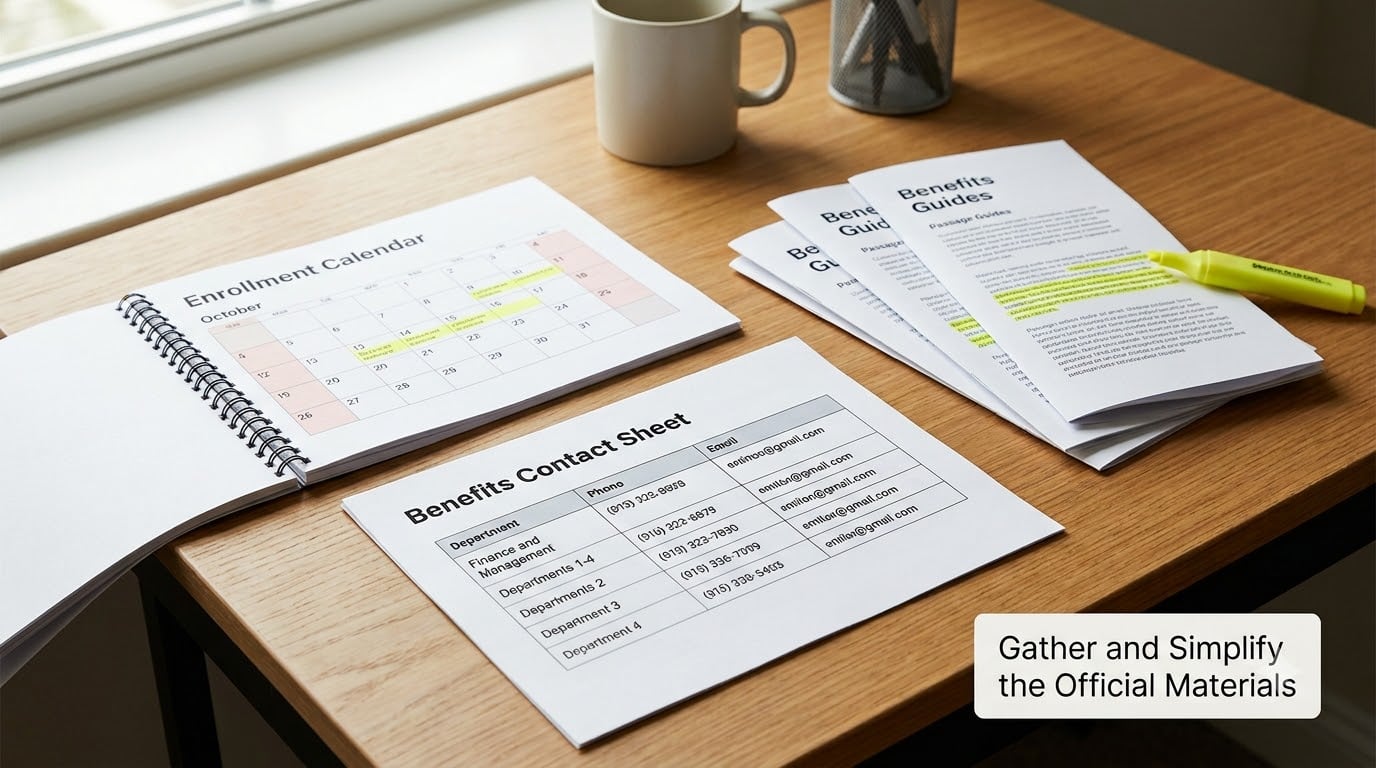
Pull everything into one folder, dated and versioned. Then do the hard part: rewrite. Compliance language exists to satisfy regulators, not to be understood at 8:55 on a Tuesday morning.
Take the longest document you have and cut it down to what an employee would call useful. Replace “the member’s cost-sharing responsibility” with “what you pay”. Replace “the provider must obtain prior authorization” with “your doctor has to get approval from the plan first, or the visit might not be covered”. Keep the meaning identical, and never soften a limit or a deadline — a friendly summary that misstates an out-of-pocket maximum is worse than no summary.
Aim for one page per topic rather than one page per plan. Put the deadline, the number to call, and the one action required at the top of each page, with the detail underneath for anyone who wants it.
Check it by reading the page aloud to somebody outside your team. If they pause to re-read a sentence, that sentence needs shorter words.
Explain the Plan Structure
Most confusion comes from six concepts, and they are worth teaching in this order because each one builds on the last.
Premiums and contributions. What the employer pays and what comes out of the paycheck, per pay period. Say the number, because employees assume it is higher or lower than it is.
Deductible. The amount an employee pays before the plan starts sharing covered costs. Give a specific example with the plan’s actual number rather than the abstract definition.
Copay and coinsurance. A copay is a flat amount for a specific service. Coinsurance is a percentage of the cost after the deductible, which is why a serious procedure can produce a bill that shocks people.
Network. In-network providers agreed to work at negotiated rates. Out-of-network care usually costs more, and sometimes far more. Teach this one well; it drives the biggest surprise bills.
Out-of-pocket maximum. The ceiling on what an employee pays in a year for covered services. Explain that it does not apply to premiums, and check the plan document for what else is excluded.
Account-based benefits. An HSA belongs to the employee and rolls over, an FSA usually does not and is subject to a use-it-or-lose-it rule, and an HRA is funded by the employer and typically cannot be carried over. Those three differences decide which one somebody picks, so put them side by side.
Keep a glossary with these definitions in plain language. It is the single most-reused piece of material you will produce.
Use a Real Employee Example
Definitions fade. A story sticks. Walk through one fictional employee — let’s call her Dana — from plan choice to first claim, and make clear that she is an illustration, not advice about anyone’s situation.
Dana is 34, works full time, and sees two doctors regularly. She opens the enrollment portal and finds two plans. One has a lower premium and a high deductible; the other has a higher premium and lower cost-sharing. The only way to choose is to look at what she actually spent last year on care and whether her doctors are in each network.
Then follow the money. Dana books a visit with an in-network doctor, meets the deductible, and pays a copay. She checks her account and sees the balance fall. She files a claim after an out-of-network lab test, receives an explanation of benefits, and notices the balance was applied to her deductible rather than paid outright. She calls member services with the number from the contact sheet and gets it resolved.
Change the scenario each time: a person managing a chronic condition, a family comparing two dependent coverage options, someone deciding how much to put into an HSA. Keep the numbers realistic for your own plan and label the example as illustrative every single time.
It worked if employees can describe their own version of Dana’s decision without prompting.
Choose the Right Teaching Format
One format will not reach everybody. Layer them instead, and match the format to how people at your company actually consume information.
- Live orientation — best for new hires and for anything with questions. Thirty minutes beats ninety. Record it.
- Recorded walkthrough — six to eight minutes on one topic, captioned, hosted where people can rewind it. New hires who start mid-year watch this first.
- One-page guide — the evergreen document. It gets shared in Slack, printed, and taped inside a desk.
- FAQ page — updated as questions come in. Your inbox is the draft.
- Office hours — a standing slot where a person can bring a real problem. Offer it around enrollment, and staff it with someone who can answer rather than someone who takes a message.
- Email series — three or four short messages spaced over two weeks before a deadline, each one carrying a single action.
- Team meeting spot — five minutes at the front of an existing meeting, delivered by the manager.
- Self-paced portal — for employees who prefer to explore on their own schedule, especially remote staff who miss in-person benefits fairs.
Then train your managers, because employees ask their manager first and managers are usually unequipped. A one-page manager toolkit — three talking points, the five questions you will get asked, and a referral list — goes a surprisingly long way. Short video clips and plain-language posts also do well with younger employees who would rather not attend a webinar.
Measure the mix by channel: which formats get opened, watched, and answered. If nobody joins office hours but everyone downloads the one-pager, stop scheduling so many live sessions.
Check Employee Understanding
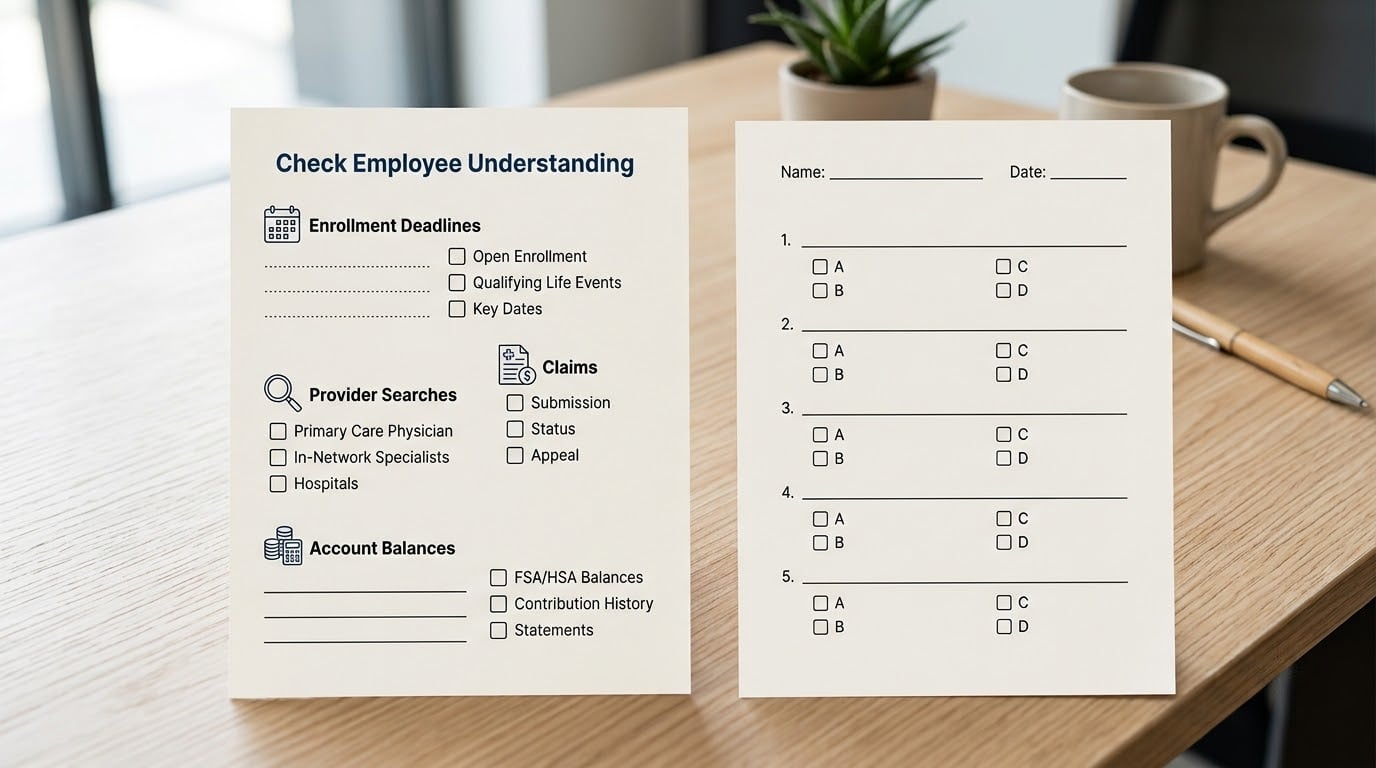
Attendance tells you nothing. Ask people to do something instead.
Teach-back. Ask a volunteer to say back in their own words how they would find a doctor in the network. If the explanation is muddled, the teaching failed, not the listener.
Three-question check. Put three questions in the follow-up email: when does open enrollment close, where do you check a provider, and who do you call about a claim denial. Keep it short enough that people answer it.
Scenario exercises. Hand out a short fictional situation — a claim was denied, a specialist is out of network — and ask for the next step. This reveals gaps far better than a satisfaction question.
Anonymous pulse poll. Five questions, run quarterly, no names, no health details. Ask whether people know when enrollment closes, whether they know how to check network status, and how confident they feel asking a question. If you want a ready-made instrument, our well being survey questions for employees cover adjacent ground.
When you find a misunderstanding, correct it in public and in plain language within a week. A quiet correction in a private email teaches nobody else.
Reinforce Learning After the Session
One session does not stick. What follows matters more than what happens in the room.
Run a 90-60-30 open enrollment rhythm. At 90 days out, publish the comparison guide and the dates. At 60 days, hold office hours and record a walkthrough of the portal. At 30 days, send reminders that carry one action each, plus a final deadline note that states the date in the subject line.
Keep the rest of the year lighter but present. January and February are when new hires land, so that is when orientation education belongs. Mid-year is the moment to check whether people are actually using what they bought — preventive visits completed, accounts funded or forgotten. Late summer is when enrollment preparation starts.
Build a new-hire checklist so benefits education happens in week one rather than being deferred until the annual meeting. New hires are the group most likely to miss a benefit deadline because they were never told there was one.
Measure what you can see: session attendance and replay views, questions arriving at the help channel, portal traffic before and after your reminders, whether employees complete enrollment by the deadline rather than in the final two days, and how many claims get resolved on first contact instead of after a dispute. If you want to move participation numbers as well, our piece on wellness program incentives that actually motivate employees covers which ones hold up.
Do not ask employees to disclose their own diagnoses, claims or treatment in any benefits survey. You are measuring communication, not health. Keep health information with the plan administrator, where it belongs.
Common Mistakes
Sending the packet and calling it education. A forty-page PDF is not a teaching program. Fix: cut it to one page per topic and add a five-minute recorded walkthrough.
Answering individual medical or financial questions. HR explains how the plan works. A benefits consultant, a pharmacist, a financial advisor, or a doctor answers what is right for the person. Fix: publish that boundary on the contact sheet, and give employees a named referral for each type of question.
Ignoring accessibility. An uncaptioned video with a slide deck nobody can read excludes real people. Fix: captions, screen-reader-friendly documents, and translations for the languages your workforce uses.
Using last year’s deadlines. This happens more than anyone admits. Fix: one owner for the calendar, updated at the start of each plan year, with deadlines pulled from the current plan documents.
Measuring attendance only. A full room of confused people still counts as full. Fix: add three questions and one scenario exercise to every session.
Leaving no path to a human. When the answer requires judgment, a portal will not resolve it. Fix: publish office hours, a response-time expectation, and a named contact.
Waiting until open enrollment. One annual dump is the reason people only engage when they are already sick. Fix: spread the topics across the year and let each one land when it becomes relevant.
Frequently Asked Questions
What is the easiest way to teach employees about their health benefits?
The easiest method is a short, repeated plain-language message tied to one action: the deadline, how to check a provider, or who to call. Record a six-minute walkthrough, write one page that repeats the same points, and email it before the deadline. Repetition across formats does more than a single long session, and employees pick up the parts they need at the moment they need them.
How often should employers offer benefits education?
Year-round, at low intensity, with one concentrated push before open enrollment. Most employers run new hire orientation in the first weeks of the year, a mid-year usage check, and a 90-60-30 day enrollment rhythm in the fall. Employees also need education at life events such as marriage, birth or loss of coverage, which is why the contact sheet and the FAQ page should stay current all year.
What should employees know before open enrollment begins?
They should know their eligibility, the exact enrollment window and effective dates, which plans changed and how, which of their current doctors are in each network, and what to do about account balances and dependents. They should also know where the comparison guide lives and who to call with questions. Covering those six items before the window opens removes most of the last-minute scramble.
Should benefits education be mandatory for all employees?
Make the core session required for anyone with employer-paid coverage, including part-time staff who are eligible, and offer the recording for people who cannot attend live. Voluntary sessions tend to draw only the employees who already understand the plan, which defeats the purpose. Keep personal follow-up conversations optional and confidential so nobody feels cornered about their own health.
How can an employer confirm that employees understand their benefits?
Ask people to demonstrate it rather than asking whether they understand. Use three short questions in a follow-up email, run one scenario exercise during the session, and ask a volunteer to explain a process back in their own words. An anonymous quarterly pulse on confidence and awareness adds a trend line. Track questions that repeat, since a question asked forty times means the explanation failed.
Can HR answer individual medical or financial benefit questions?
HR should explain how the plan is designed to work: deductibles, networks, deadlines, account rules and who to contact. Questions about treatment, whether a specific procedure is right for someone, or how to fund retirement belong with a doctor, pharmacist, licensed financial advisor or the plan’s own member services line. Setting that boundary protects employees and keeps HR out of advice it should not give.
Start smaller than you think. Pick three goals, write one plain-language page for each, book one 30-minute session, and run a three-question check the following week. Then look at which questions still arrive at your inbox and fix that specific gap. Adding the next layer — office hours, a manager toolkit, a mid-year check — is straightforward once the first cycle is running. This guide is current for 2026; plan rules and deadlines change, so always teach from your own plan documents and send personal plan questions to the administrator or a qualified professional.